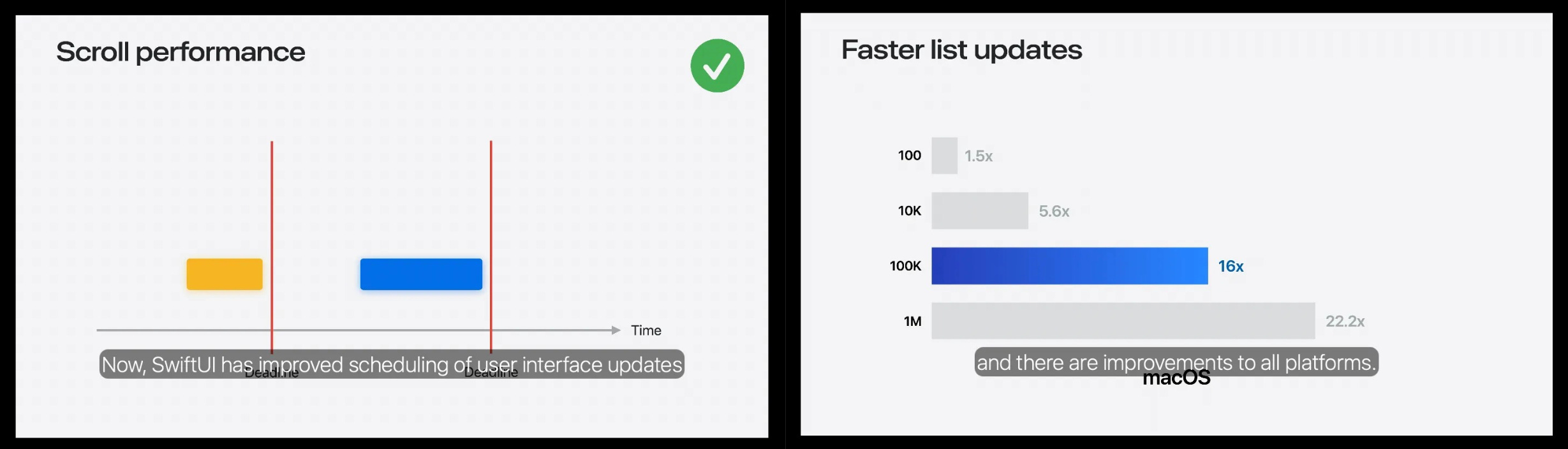
Let’s put Apple’s claims to the test in the ultimate head-to-head battle of the scrolls: SwiftUI vs UIKit. We’ll find out, once and for all, whether SwiftUI has hit parity on scroll performance.
If anybody was on the fence about having kids, my four-year-old daughter saw this and started dancing along with the baby GIF.
I love SwiftUI; I hate SwiftUI.
I love UIKit; I hate UIKit.
When you’re as suggestible as me, it’s easy to be swayed based on the last blog post you read.
SwiftUI has forever been on a long journey to parity with UIKit, and the question of “is SwiftUI production-ready” has had a clear answer for years: Yes, but.
Yes, but you will need to drop down to UIKit for stuff like the Camera.
Yes, but some functionality like UIScrollViewDelegate scroll velocity is missing.
Yes, but performance on an infinitely-scrolling feed will never be as good.
Performance.
Specifically, scroll performance.
At one time or another, we’ve all sat under the thumb of an imperious product manager or QA tester, demanding the single frame drop on their nan’s iPhone 4s be eliminated before you can go home.
But they do have a point:
Performance is the final bastion of native iOS supremacy.
You don’t want to hear it, but if we get comfortable shipping apps with noticeably mediocre performance on scroll-heavy screens, we might as well ship with React Native.
iOS 26 crosses the rubicon: in WWDC 2025’s What’s New In SwiftUI, Apple spent half the runtime explaining the improvements they made to List updates and scroll performance more widely.
RevenueCat’s State of Subscription Apps report is out, analyzing 115,000+ subscription apps and more than $16B in revenue. Use it to benchmark your pricing, trials, and conversion rates against what’s actually working across the app economy.
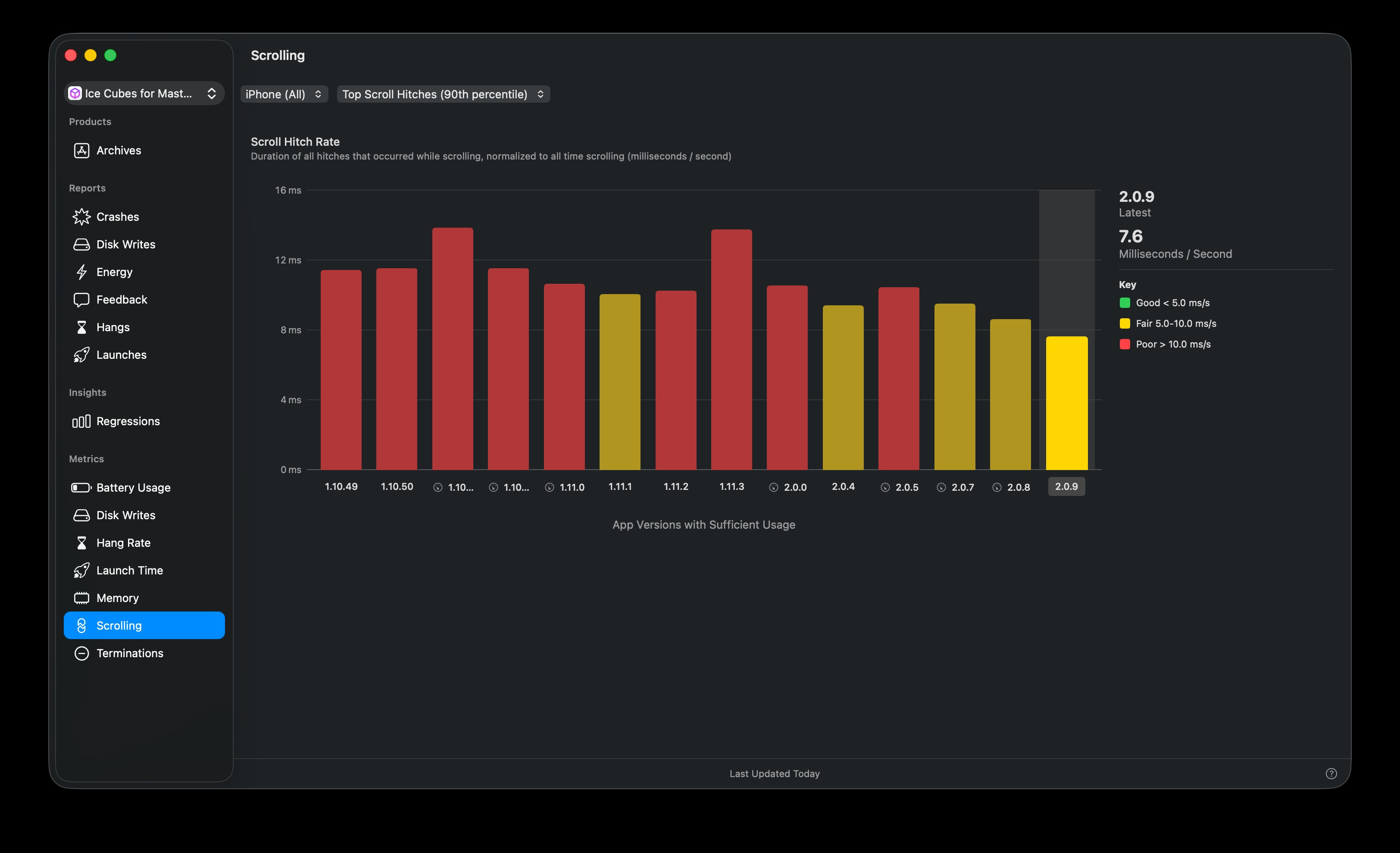
These improvements aren’t theoretical: Thomas Ricouard’sIce Cubes app saw a substantial not-to-sniff-at drop in the scroll hitch rate since building against the iOS 26 SDK in version 2.0.0.
Or, perhaps, all the most tight-fisted Mastodon users stubbornly holding onto their iPhone 4s suddenly upgraded en masse
Let’s put Apple’s claims to the test in the ultimate head-to-head battle of the scrolls.
SwiftUI vs UIKit.
We’ll find out, once and for all, whether SwiftUI has hit parity on performance.
Designing the most ridiculous scroll view I can imagine
If we want to meaningfully understand the performance characteristics of SwiftUI and UIKit scroll performance, we need to really put them to the test.
If you’re just rendering a simple storefront with a carousel of images, maybe with some text on each cell, then this isn’t the article for you. Both frameworks are probably fine.
But today I’m making the most complex scrolling feed I can imagine in SwiftUI.
What requirements are needed to make a UI truly ridiculous?
High resolution images.
A complex view hierarchy of elements, text, and gradients.
Permanent autoplaying animations.
Variable-sized cells to force layout re-computation on cell reuse.
Multi-gesture UI interaction that update a data store in real-time.
But how can we achieve this?
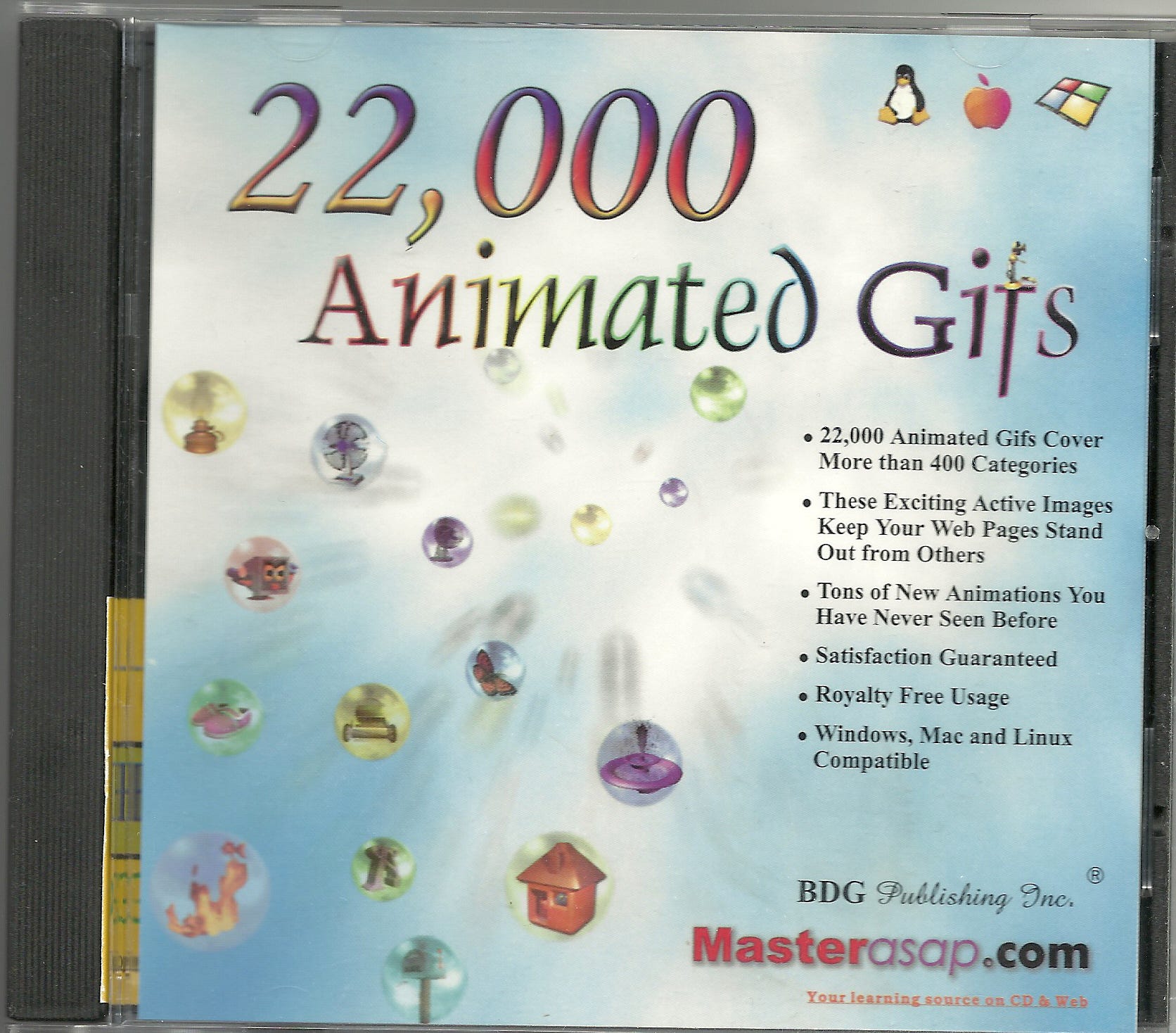
I have an idea. With a little help from my friend, 2001’s 22,000 Animated Gifs CD-ROM.
Uh, so this disc image is from 2001. I need to mount the .iso somehow… macOS won’t play along. You know what, this is below my pay grade. I’m gonna get Claude to dump it out and export me a folder of .gifs.
Throwback to the early 90s when dancing baby was literally the funniest meme ever.
Now we have our secret sauce, I can build out twin chaotic UIs in both SwiftUI and UIKit.
These gifs are bananas. And yes, I do pronounce it just like you.
The complexity of this UI forces the screen to aim for the high-performance 120fps refresh rate, giving just 8.33ms to render each frame. There is no hiding from this in my performance profiles.
So.
Once and for all.
Is SwiftUI finally as performant as UIKit?
Subscribe for free to continue reading
Enter your email and get every post from Jacob’s Tech Tavern.