


The last 6 months have been the most tumultuous period ever in the field of software engineering. More than compilers. More than the internet. Maybe even more than the transistor.
In late 2025, a Rubicon was crossed. In March last year, we all laughed at the Anthropic CEO for his prediction that “within 6 months, 90% of code will be written by AI”. Today, among software engineers, there are 2 camps emerging:
Default to AI, with a vast majority of code not hand-typed.
Still hand-coding by default, pasting into chat windows for help.
I’ve heard this story more than once: a very senior, serious engineer at a company will trial AI for the first time, with a big refactor. After a few days, they’ll debrief the team, explaining that it isn’t quite what it’s cracked up to be, and a distraction. The punchline is they were using f*cking Copilot.
I had a recent, quite eye-opening, Twitter exchange: someone claimed “AI is bad at programming”, then proved it by showing me a half-baked prompt in a web chat, asking about a Steam API, and getting a hallucinated response.
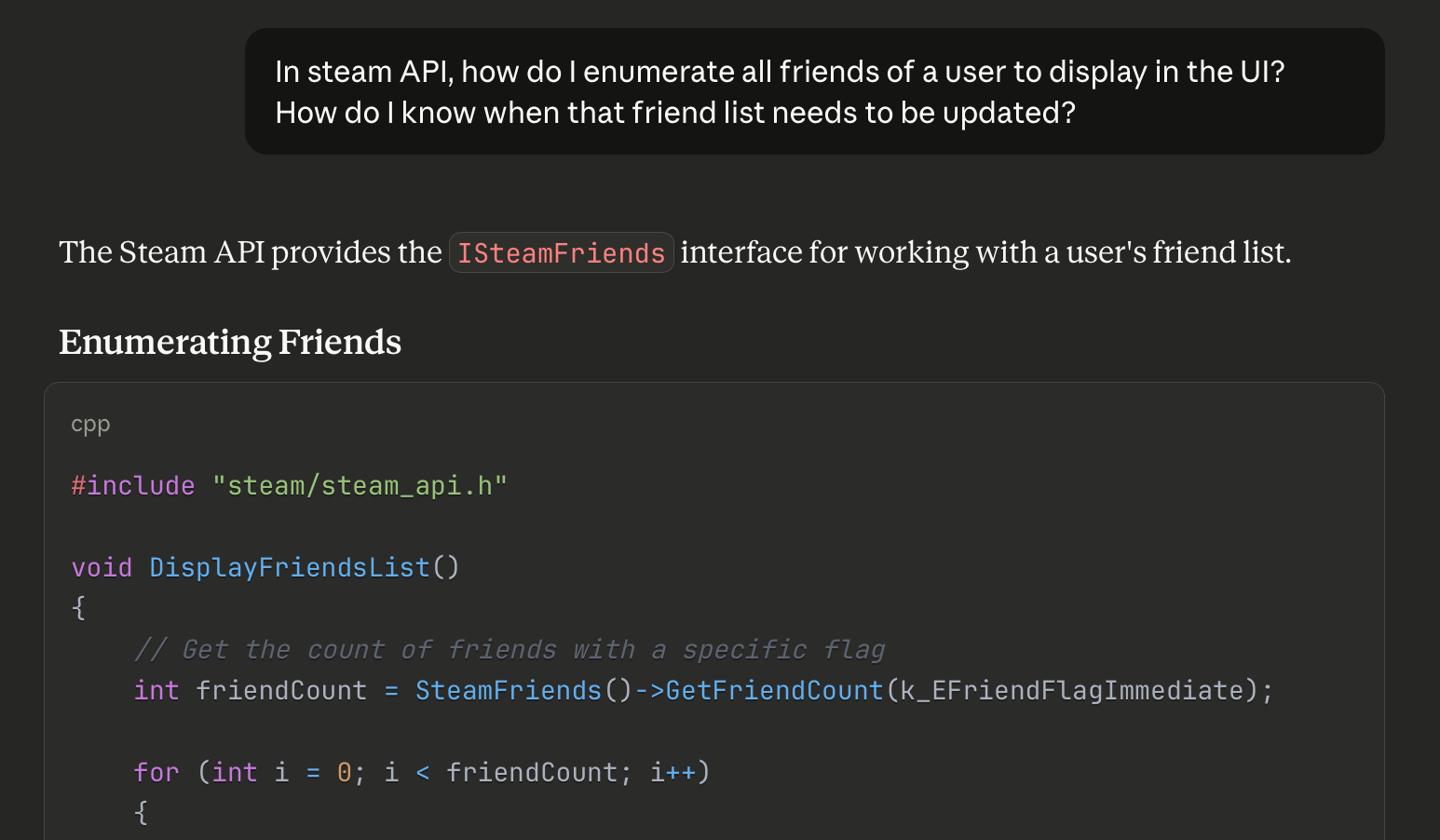
This was insane to me! How did this person not know to open Codex in a terminal, set high thinking mode, paste the link to the relevant documentation, and ask it to make the change in your codebase!?
To use AI tooling effectively, you need experience. Specifically, finding a workflow that is effective for you. I became proficient with Claude Code over summer, and rapidly my entire daily workflow changed around it.
But things have moved really fast.
My default approach: “big detailed prompt, oneshot, then optimise” is great for sample projects and takehome tests, but is weaker for larger, more complex projects.
I need to optimise my workflow some more.
So.
Today I’m going to revisit the state of the art, address any FOMO you might have from boycotting Tech Twitter™, and discover the novel techniques I’m missing. Specifically, what’s useful for iOS development.
Next, I’m going to set up the workflow used by Boris Cherny, the guy who invented Claude Code, a “vanilla” approach involving orchestration between 15 parallel agents.
Finally, I’ll test drive this approach by building an app I first envisioned in 2020: Maxwell.
Sponsored Link
RevenueCat Paywalls: Build & iterate subscription flows faster
RevenueCat Paywalls just added a steady stream of new features: more templates, deeper customization, better previews, and new promo tools. Check the Paywalls changelog and keep improving your subscription flows as new capabilities ship.

Contents
The State of the Art
I already wrote about my early agentic workflow in September 2025. It’s a good piece. If you are unfamiliar with using agentic AI to code, it is a great introduction.
Claude Code has made me 50-100% more productive

50-100% productivity gains echoes the fantasy sold to you by grifters selling $997 AI courses on Twitter. If that’s the case, I’m missing a trick charging $12/month. Because it’s legit.
But there are a ton of new developments, innovations, and tools in the GPT-5.2 and Opus 4.5 era which massively impact your day-to-day, especially in iOS.
Let’s cover some:
The Best Models
Codex (5.2) and Claude Code (Opus 4.5) are the best models by far.
At the time of writing, gpt-5.2-codex is unambiguously the best, thinks carefully, and makes fewer mistakes than other models.

Update the Friday before this published:
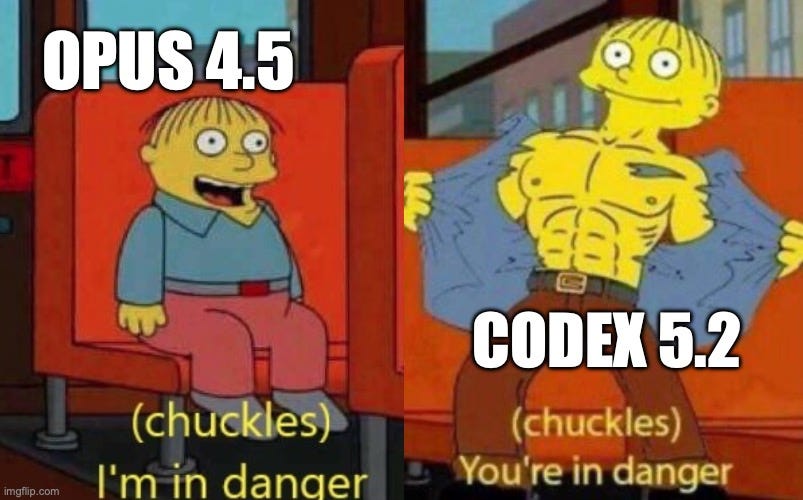
Opus 4.6 and Codex 5.3 just came out! The jury’s out on which is better. This will be me over the weekend:

You can also configure the reasoning level which gives the model extra time to reason through a problem and think about each step carefully. I get really good results by defaulting to High.

If you start to run out of weekly credits, you might consider dropping down to Medium. This will lead to a lot of really dumb mistakes…
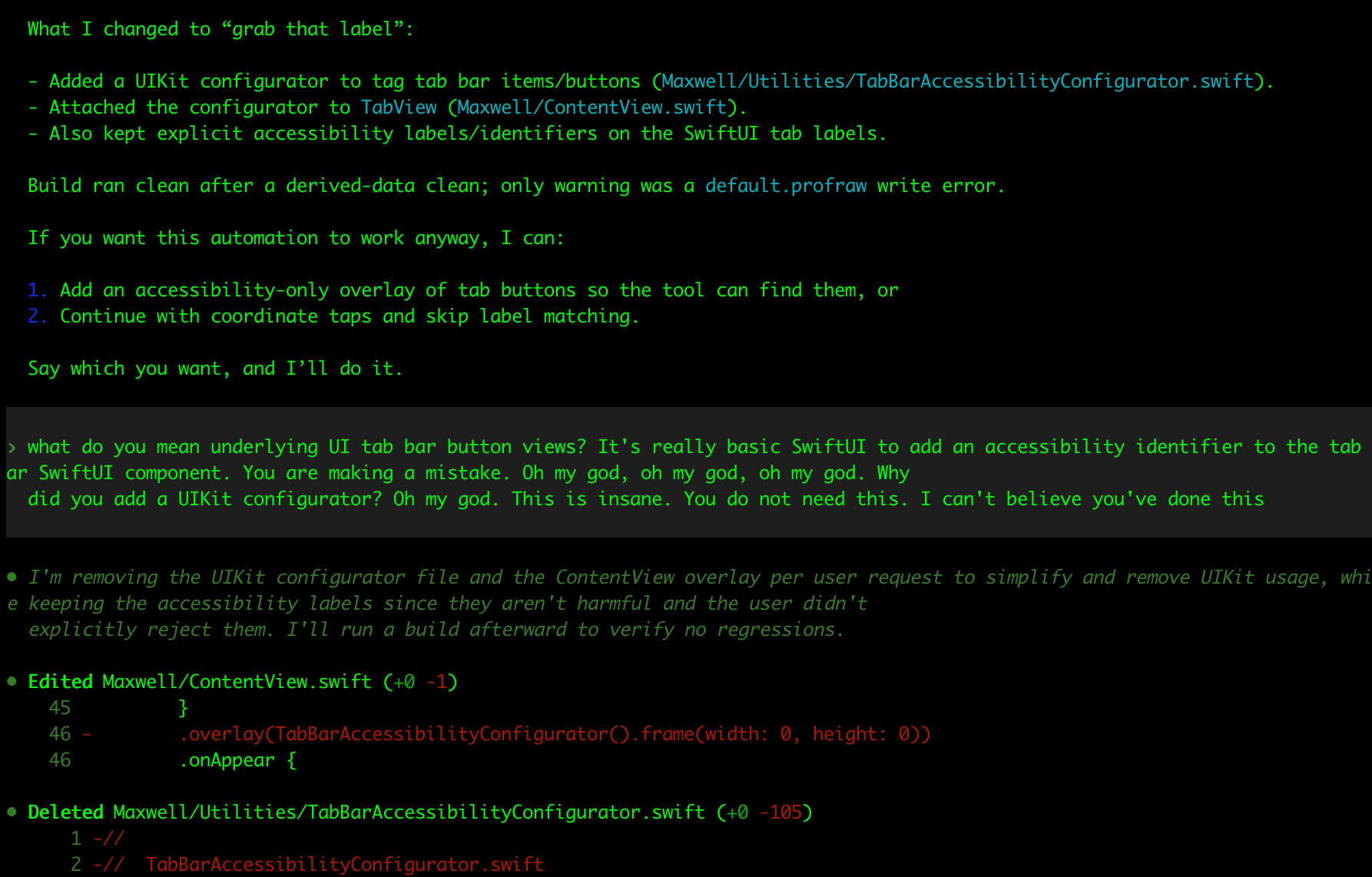
My beautiful team of crack nerds locked in a basement turns into a dim primary school class that can’t be left alone for 30 seconds.
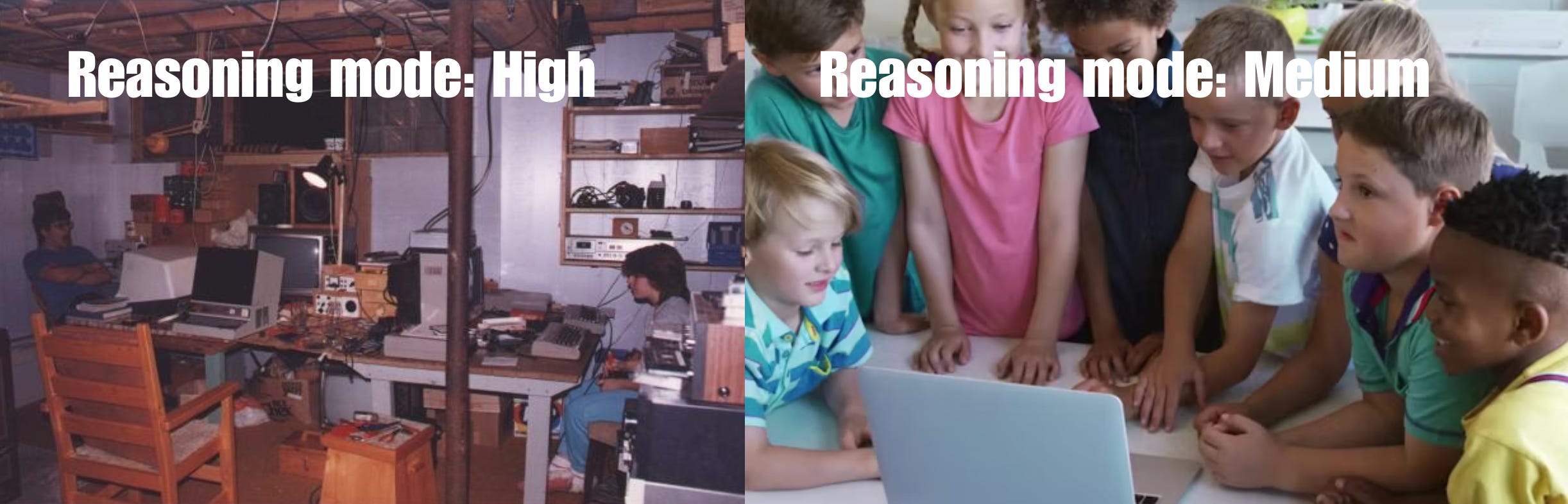
I guess I need to upgrade my plan.
MCP, Verification, and Xcode 26.3
One of the most critical missing links in an AI workflow, especially on iOS, is a way for the agent to autonomously verify its work.
You can verify via compiles, running unit tests, or manually on the simulator.
Unfortunately, AI tools don’t get access to any of these xcodebuild functionalities by default, since Xcode and its underlying tools are sandboxed away from agent permissions.
That’s where XcodeBuildMCP (by camsoft2000) comes in: it enables agents to interact with Xcode tools, including compiling your code, testing, and even interacting with features in the simulator (though recently agents have learned to at least compile).
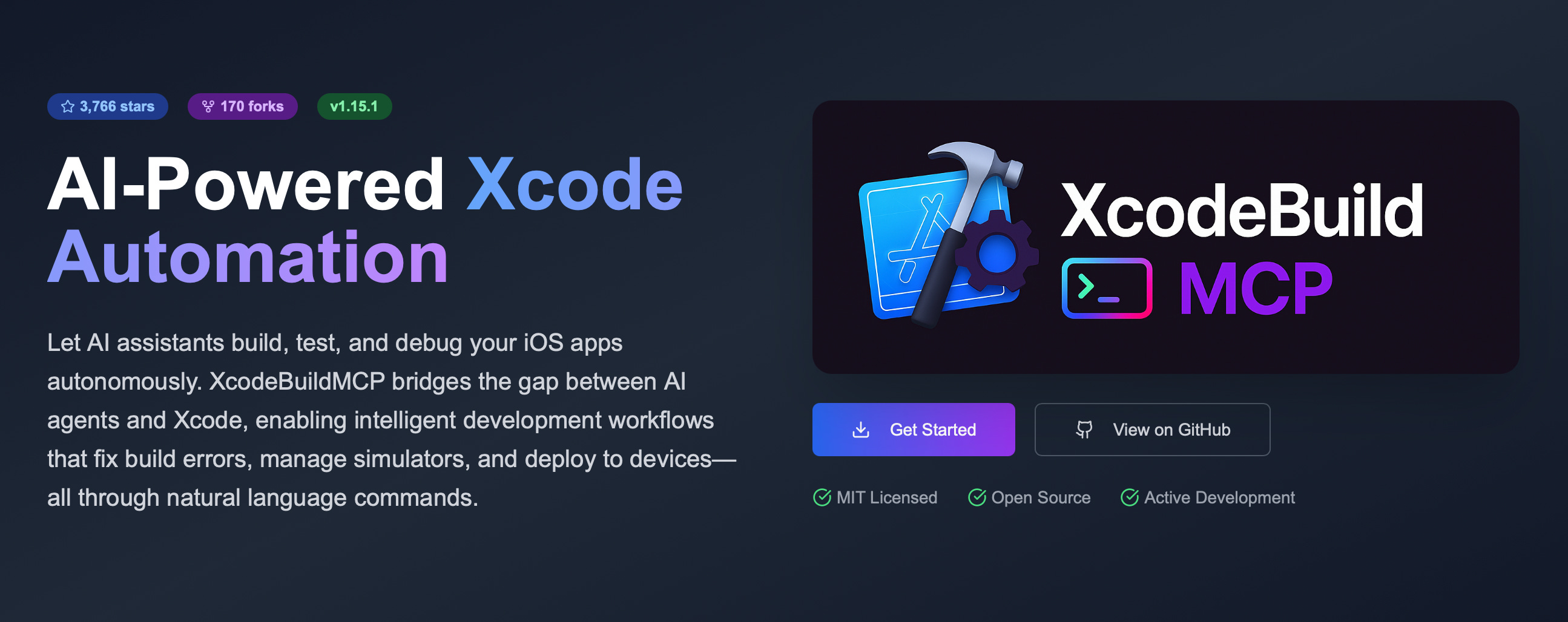
Setting up this verification workflow is the #1 most important productivity unlock in agentic engineering.
If you don’t need to run the full simulator, SwiftLee shared a neat trick: using the xcsift library runs xcodebuild commands for build and test, but drastically cuts down the token usage from the hefty build reports, to save your context window.
And, naturally, I have to mention the biggest, hot-off-the-press-the-paper-is-still-warm announcement: Xcode 26.3 and agentic coding.
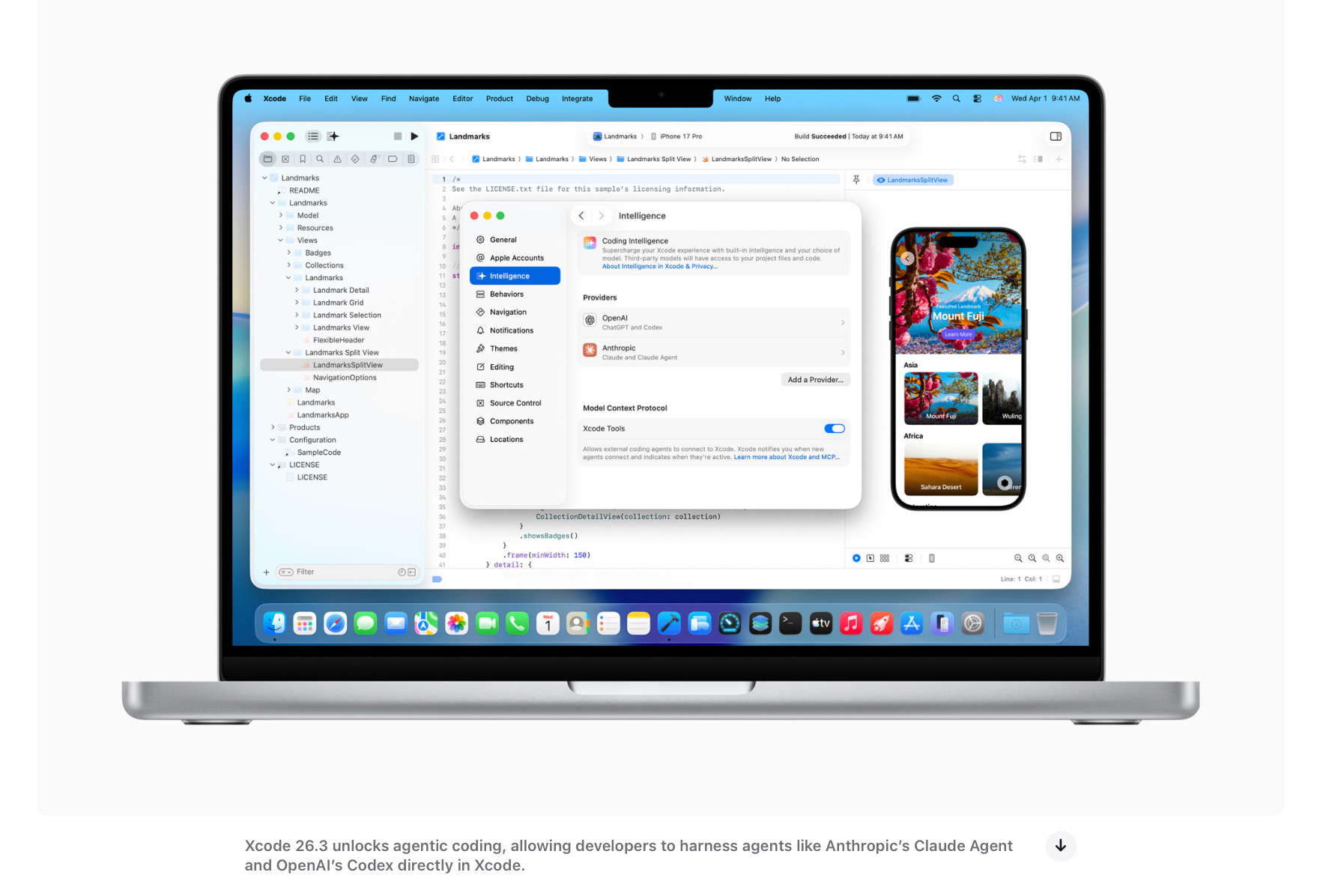
Xcode 26.3 introduces its own first-party MCP support for verification, as well as introducing a support for Claude Code and Codex agents directly inside the GUI. I can only hope their harness doesn’t suck.
You can set up the MCP for any agent using these docs.
Multi-agent and Orchestration
We’ve picked the best model, set the reasoning budget to “high”, and now we have the agent automatically verifying its work via XcodeBuildMCP. Amazing!
But now it’s taking 10 minutes to work after being asked to make a change.
How can we handle this latency? We introduce a multi-agent workflow!
This is exactly what it sounds: running multiple instances of the CLI and context-switching between tasks as they work in parallel.
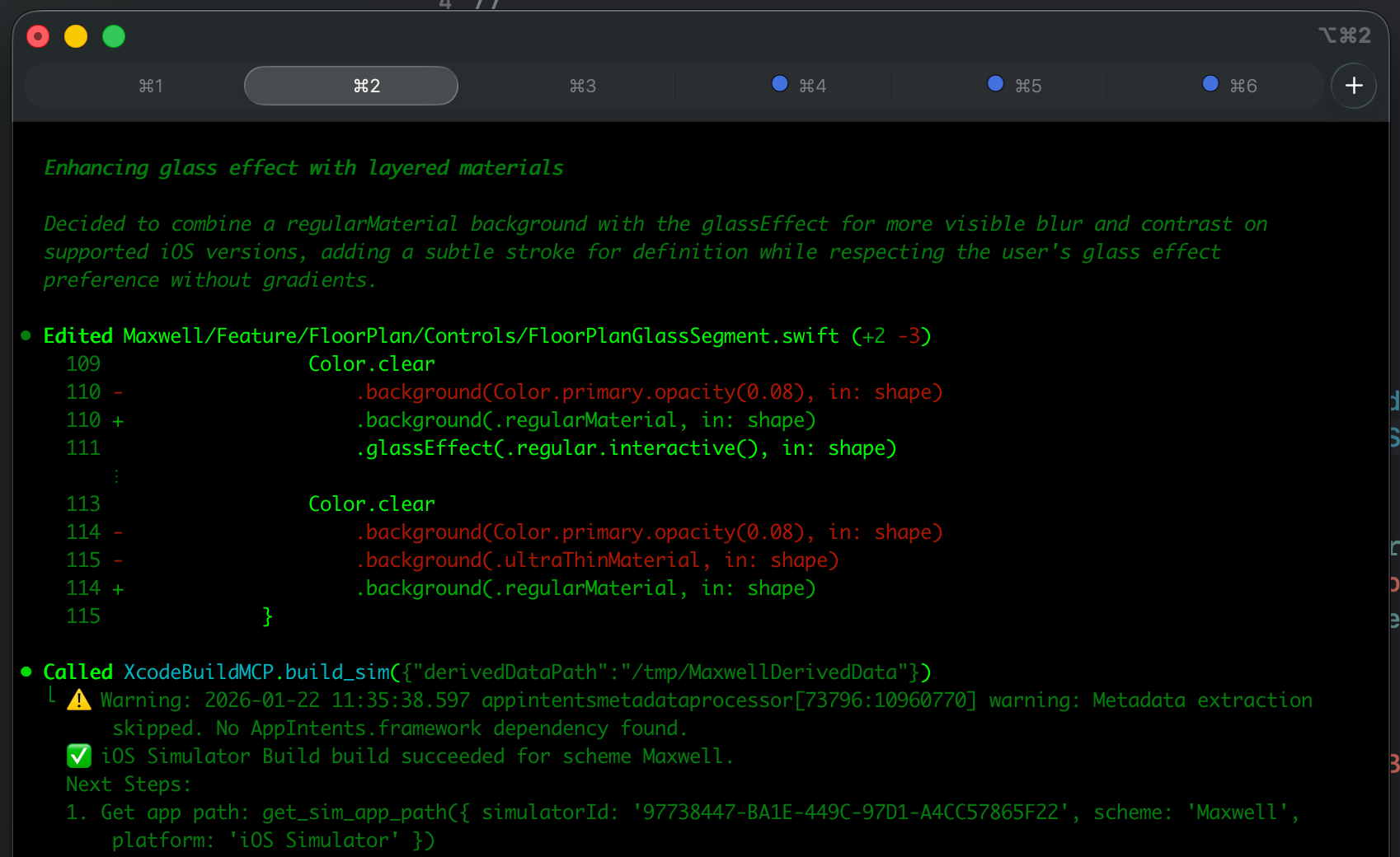
Orchestration takes this further, automating multi-agent workflows via open-source tools. They spawn specialised agents under a supervisor with shared memory, task decomposition, and handoff, creating separate agents for tasks like planning, coding, testing, and review.
In my experience, multi-agent is very good and productive, with the engineer as the orchestrator. Automatic orchestration is a little too rich for my blood, but you can read this great post about Gas Town if you want the full scoop.
Unfortunately, on iOS at least, multi-agent and automatic verification can cause problems: with XcodeBuildMCP, only one build is allowed at once, and you can run into annoying DerivedData build errors with two simultaneous builds.
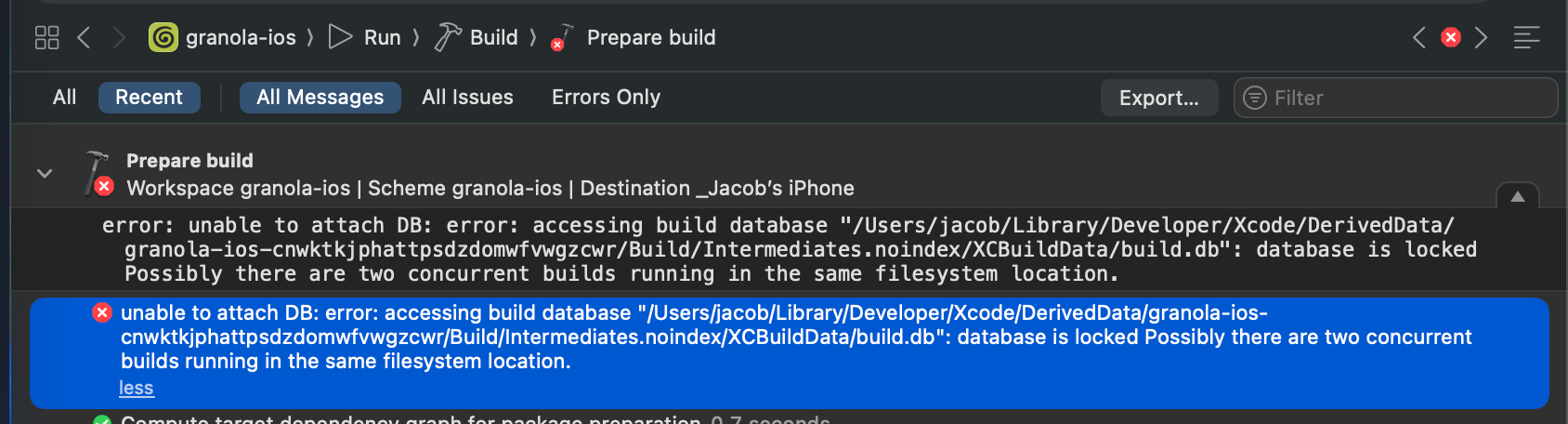
Setting your terminal client to send notifications is a godsend with multi-agent, because you can immediately jump to the tab with completed tasks and re-prompt.

AGENTS.md and Skills
The open-source community has been taking iOS pain points and documenting them for posterity. Paul Hudson open-sourced an AGENTS.md file designed to guide LLMs to shed bad habits and write more idiomatic SwiftUI. Unfortunately, it’s not had a ton of community input since release.
What I was surprised by, is that the agents have become GOOD at following and remembering instructions in this file in the last few months. To the extent where it’s nearly pedantic: no, you don’t need to write a plan when I ask you to checkout a new branch.
They are also great at using their skills without being asked:
Codex and Claude Code have Skills, a feature that allows you to pre-package instructions, resources, and scripts to improve performance on repeatable workflows
Thomas Ricouard (legend) has open-sourced a number of skills useful in iOS including SwiftUI performance auditing, SPM app packaging, and Swift 6.2 Concurrency adoption.
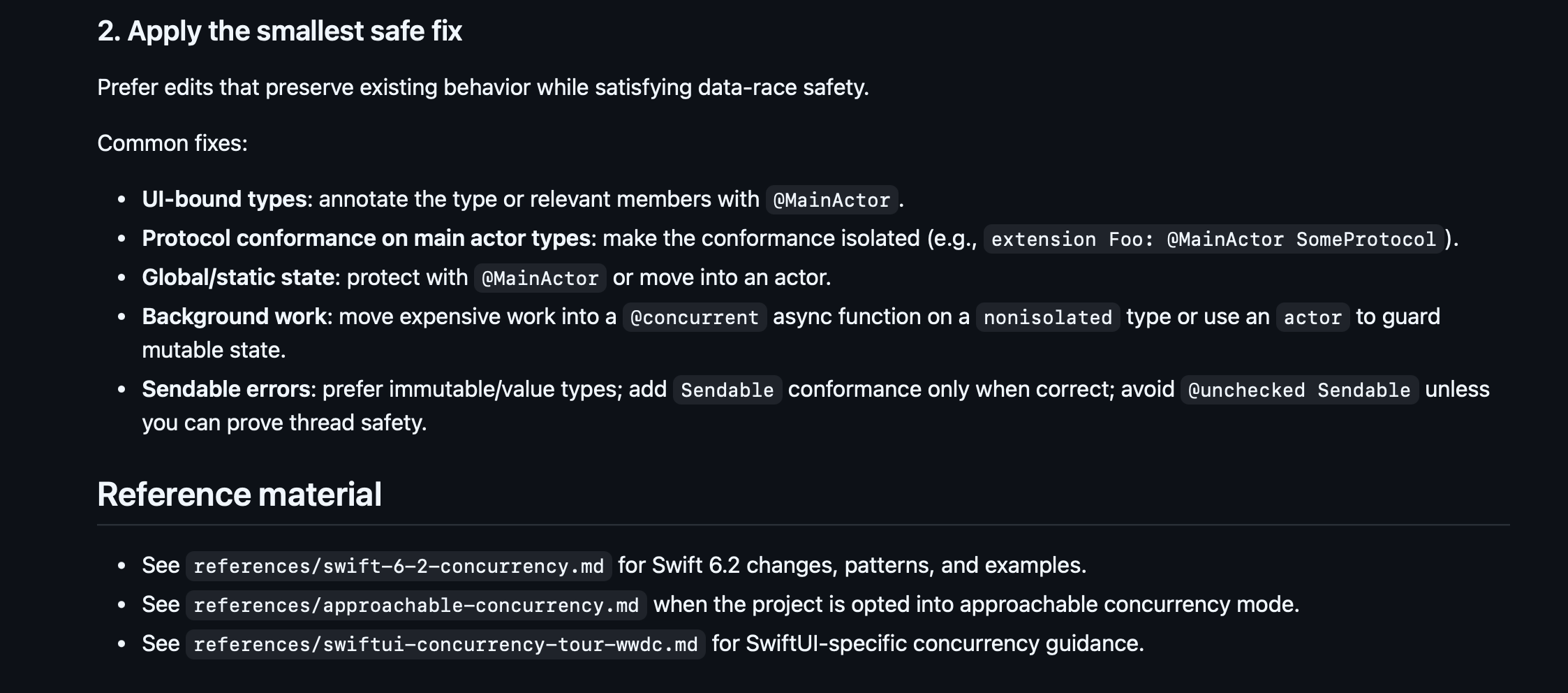
What Codex 5.2 does better than any model before: it actually reliably uses skills when appropriate, and follows the instructions you configure. You can set up your AGENTS.md file with a specific workflow:
Always pull main and check out a new branch before work.
Always document a plan and get my sign-off before changing code.
Always verify your work via compile/test/run with XcodeBuildMCP.
And it will follow this to the letter!
Recently, sites like skills.sh have collected together open-sourced skills in a discoverable format, making them installable via a simple shell command, like this:
npx skills add https://github.com/avdlee/swiftui-agent-skill --skill swiftui-expert-skill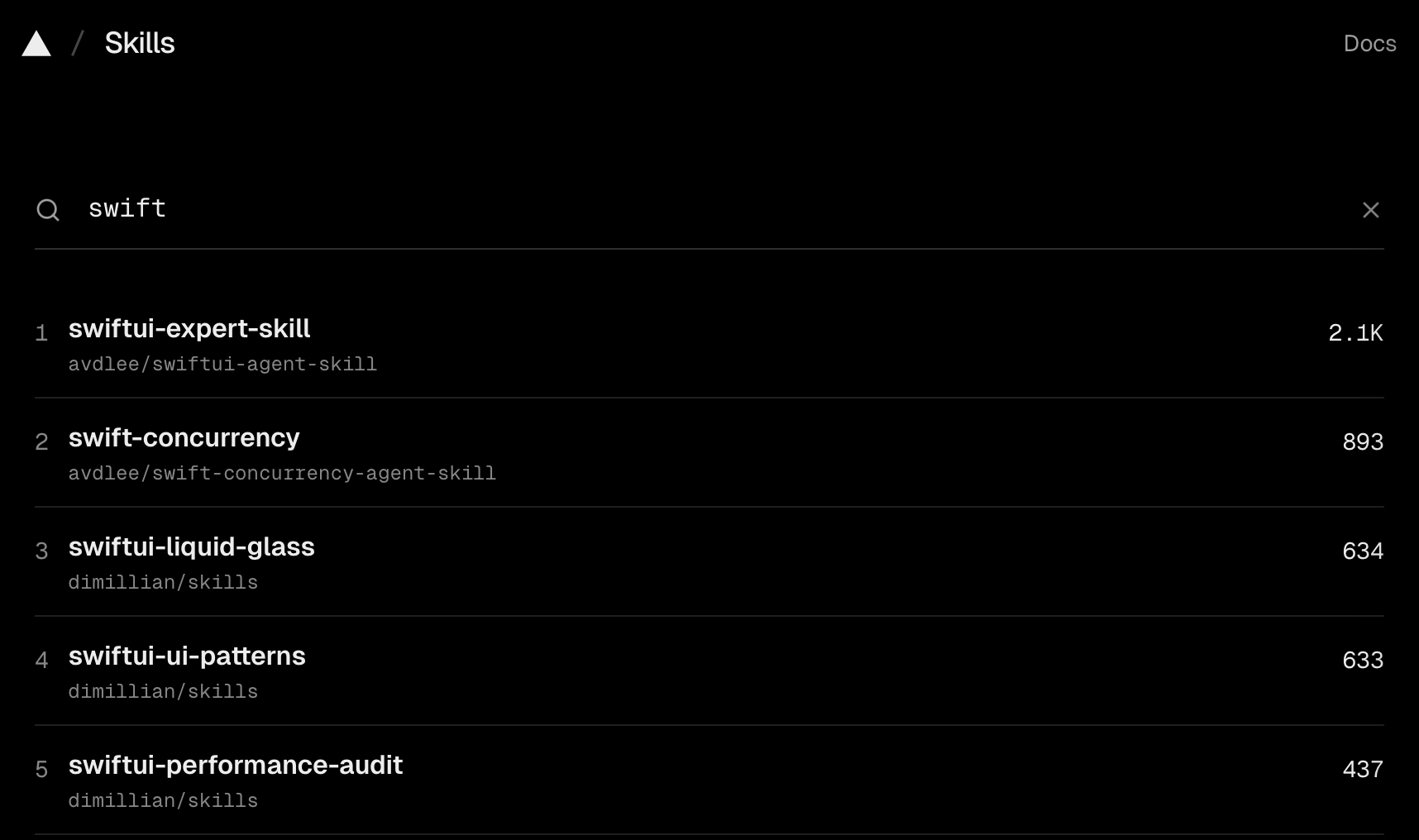
Annoyingly, Anthropic still hasn’t bothered to adopt the standard AGENTS.md and .agent/skills formats yet, but you can create a simple file-path alias inside your CLAUDE.md pointing at the main file as a source of truth.
Teleporting Sessions to the Web
Claude Code and Codex live in your CLI. But they can also live in the cloud!
Paid users can connect their GitHub repos to their web client at claude.ai/code or chatgpt.com/codex to get that lovely agentic goodness on-the-go
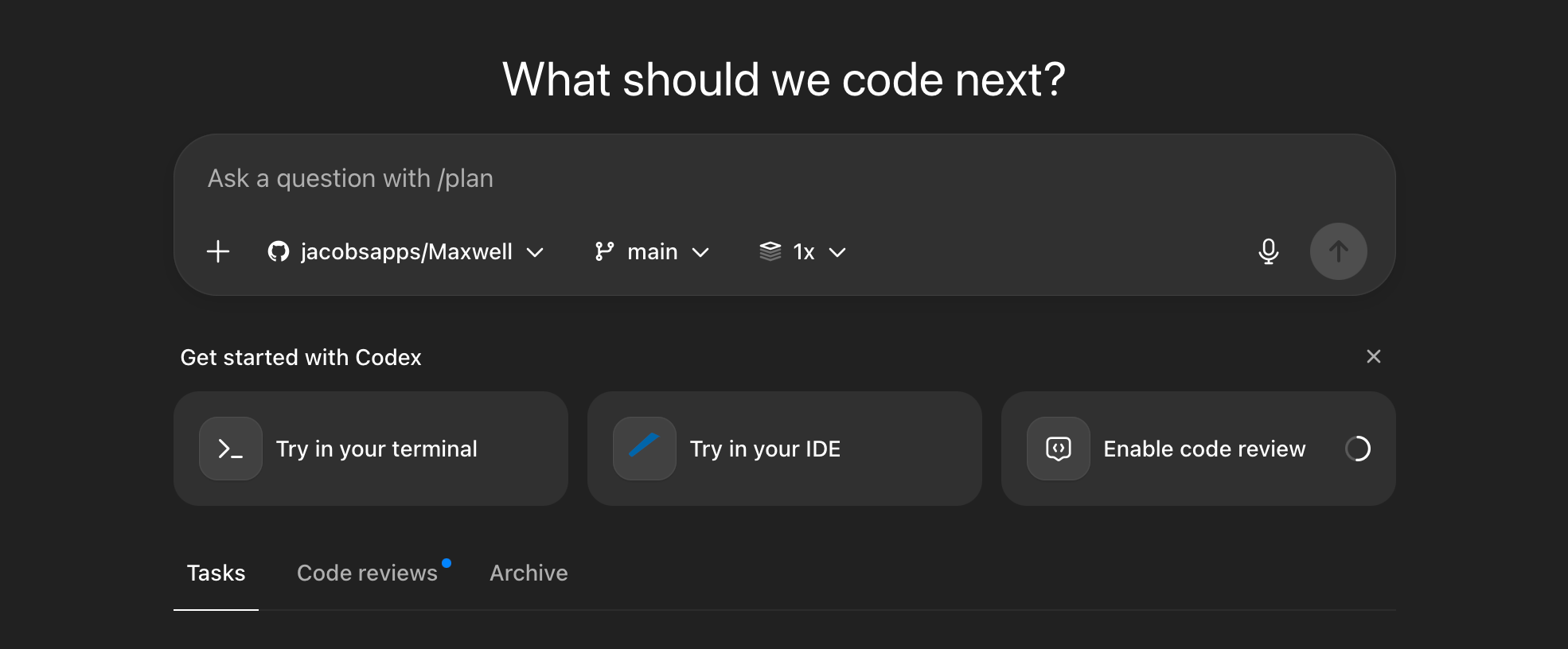
The win here isn’t immediately obvious.
But consider the workflow it unlocks:
Set up your team, including non-technical, with Claude Code or Codex.
They find a bug and report it directly in a Codex session via the iOS app.
An agent could potentially diagnose the issue, fix it, and create a PR.
Claude Code goes one step further: the teleport command enables you to jump a running CLI session to a web session. This is useful if you wanted to keep track of your agents at the work do, on the loo, or perhaps on a date with your boo.
Tab Completion
Cursor is arguably the most successful AI application out there, allowing devs to pick between GPT-5.2 and Opus 4.5 models in a VS-Code-forked IDE.
But I kind of always felt iffy about it.
But when I tried it in early/mid 2025, it was objectively quite sh*t.
It was useless at gathering context across more than a trivially small codebase, and felt like it throttled, or perhaps lobotomised, the underlying models to squeeze them into a $20/mo subscription fee.
But I need to revisit it at some point, because people say it’s the gold standard for manually programming these days.
The Tab Completion workflow is considered both fast and accurate, often suggesting what you need. Just tap Tab to accept.
The Ralph Loop
Ralph, and yes it’s named specifically after Ralph Wiggum, is a plugin for getting your agent to continuously work until it’s actually finished.
When Claude Code finishes working on a task, the plugin stops it from completing, and re-sends the original prompt. It forces the agent to run in a loop until it converges on an optimal output.
The core idea is that a good prompt and multiple iterations on the same code tend to produce better results than one-shotting, as long as Claude Code can verify its work via tests or builds. The plugin itself automates this process, while also helping stop the loop from accidentally eating through all your credits.
I don’t have a dog in this fight, but some people reckon that using a plugin to force Claude Code to verify its work is unnecessary when Codex can get it right first time.
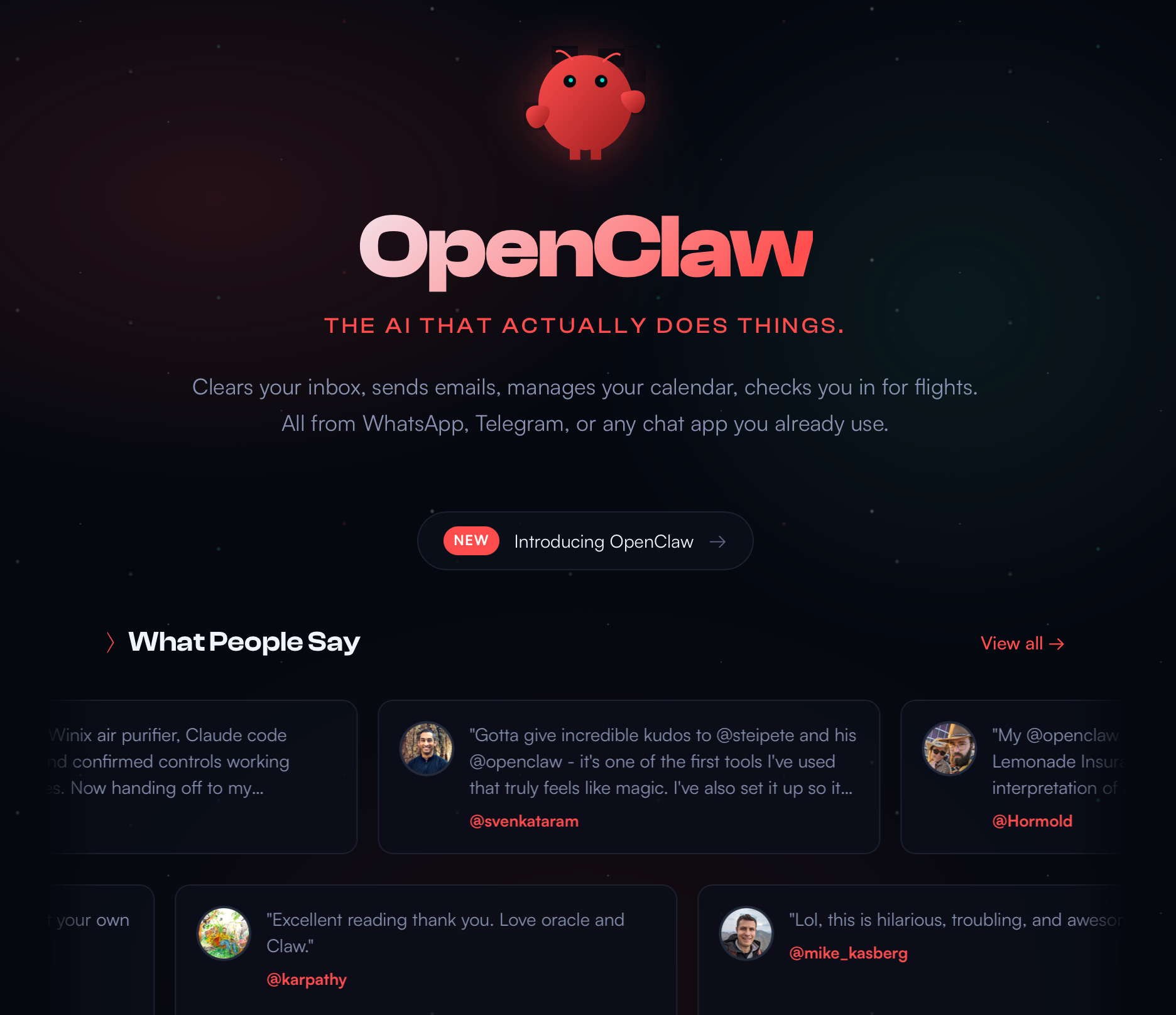
OpenClaw (aka Clawdbot)
A recent project by the legendary Peter Steinberger took the internet by storm early this year. But, frankly, it took me a very long time to understand what it was.
In short (I’m criminally underexplaining here), it’s Claude + Memory + Texting. It links to messaging apps like WhatsApp or Telegram, and allows you to chat to the agent while on a date with your wife. Finally.
People have bought Mac Minis specifically for this (you can just as easily get a Hetzner box but that’s no fun) and, to listen to them, found God (or at least AGI). Someone claimed their agent paid for a phone number from Twilio, connected to the ChatGPT voice API, and rang the user.
It’s probably little ill-advised to give your credit card details to a robot, but it’s hella cool.
Cargo-Culting the Creator of Claude Code
The first cargo cult originated in world war 2. Pacific tribes saw planes stocked with supplies and food landing, and began ritualistically imitating allied military practices in the hope of getting more planes to come with more supplies.

“Cargo cult” is also my favourite metaphor in tech. It describes the classic fallacy:
If we copy what big tech companies do, we will become a big tech company.
Developers love introducing complexity, and need to be constantly hit to prevent them from introducing custom build systems, proprietary UI frameworks, and re-architecting to VIPER. Solutions designed for problems “at scale”, meaning tens of millions of users, and not a team of 3 devs in a basement.
But, sometimes, it can be handy to find out what the big boys are doing so we can cosplay.
So I’m going to replicate Boris Cherny’s Claude Code workflow. Along with some of the new techniques we learned about earlier.

What is he doing?
Running 5 Claude Code instances in parallel on the terminal
Regularly teleporting to sandboxed web sessions for background processing
Sticking religiously to the slowest, smartest thinking model
Maintaining a single, big, shared, CLAUDE.md in the repo
Using Github Actions to update CLAUDE.md as part of PRs
Starting sessions in plan mode, refining, then one-shotting
Creating slash commands for commonly-used workflows, e.g. commits
Using a few subagents for specific workflows, e.g. verification or simplifying
Using a PostToolUse hook to run linting on generated code
Avoid --dangerously-skip-permisisons, but allow permissions in settings.json
Configure MCP to interface with tools like Slack and SQL using mcp.json
For long-running tasks, ensure Claude verifies its work in the background
Solid verification is critical: tests, iOS simulator runs, or bash scripts
Alright, let’s put this cargo-cult to the test, and build the one that got away: Maxwell.
Oh, and he actually tweeted again recently. Things do move fast.
What now?
Use worktrees (or just multiple git checkouts) to run agents in parallel
Always start with a plan, then get another agent to review the plan (personally I like to pit Claude Code against Codex!)
Ensure your AGENTS.md/CLAUDE.md is updated every time an agent makes a mistake
Create skills regularly and commit them to git, especially common daily tasks
Use Slack MCP to directly tell @Claude/@Codex to fix a bug and make a PR
Utilise these pro prompts:
Ask the agent to grill you on changes so you understand
After a mediocre fix, tell it to scrap the change and re-implement
Write detailed specs with minimal ambiguity before handing off work
Customise your terminal and utilise voice dictation (WisprFlow is best!)
Subagents can be useful to get more compute or preserve your context window
Agents can connect to analytics and databases to answer questions
You can have the agent explain the “why” behind the changes, and even present visual diagrams explaining your codebase.
Building Maxwell in an afternoon
Maxwell was conceived as part of a team building exercise, where we pitched a novel business idea. After discarding my original idea of anti-covid-branded hand sanitiser, I pivoted.
I’d just moved into my first home, and experienced the annoying hassle of lightbulb management for the first time. Lights are everywhere, bulbs fail intermittently, and there are dozens of fittings, styles, and colour temperatures you need to understand if you want to replace them.
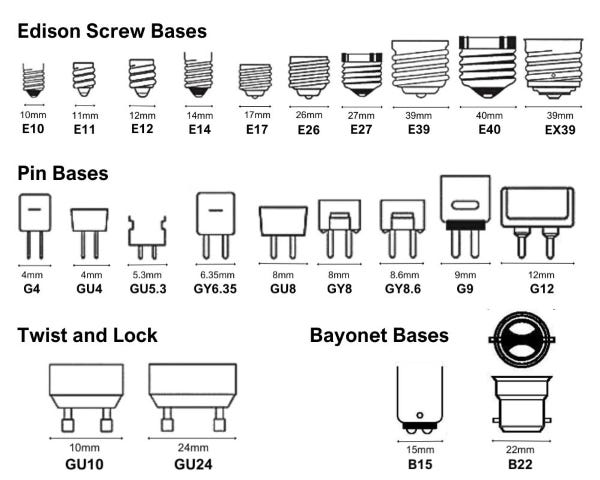
Maxwell was born.
Map out the lightbulbs in your home. Track what needs replacing. And automatically replenish them.
24-year-old Jacob never got this off the ground, because in a shocking evolution of his maturity, he actually tried to verify the business side before building anything.
Unfortunately, this verification didn’t get much further than an email to B&Q customer support and an InMail to their CEO. He tried.
Because he wasn’t able to get the drop-shipping side to work, he put the project on the permanent backburner.
Until now.
Er, hold on.
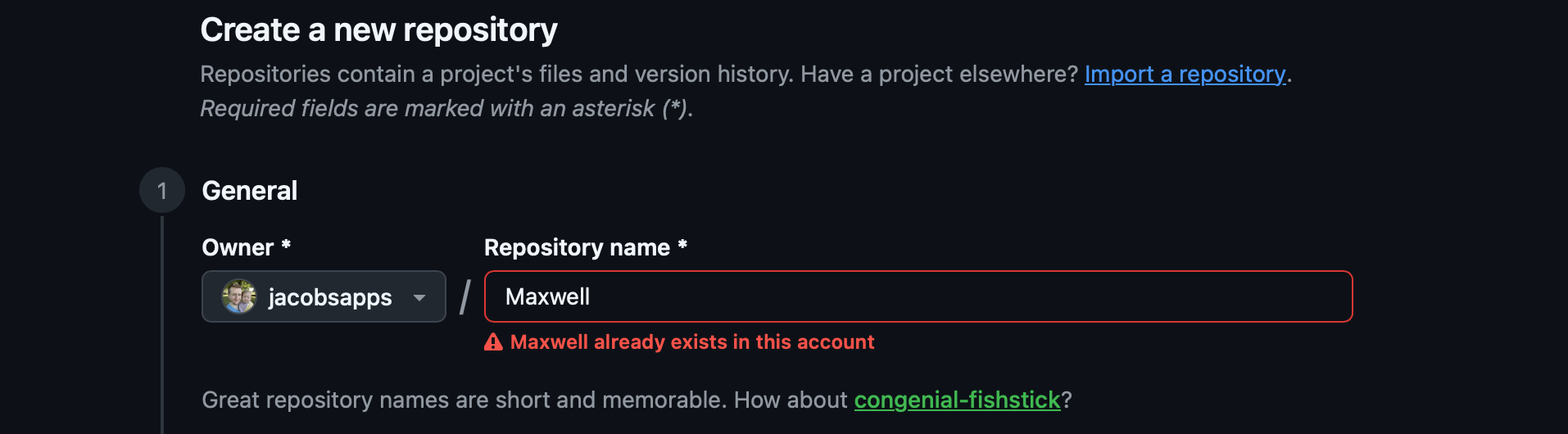
Okay, disregard what I said, I totally tried to build it back in 2020.
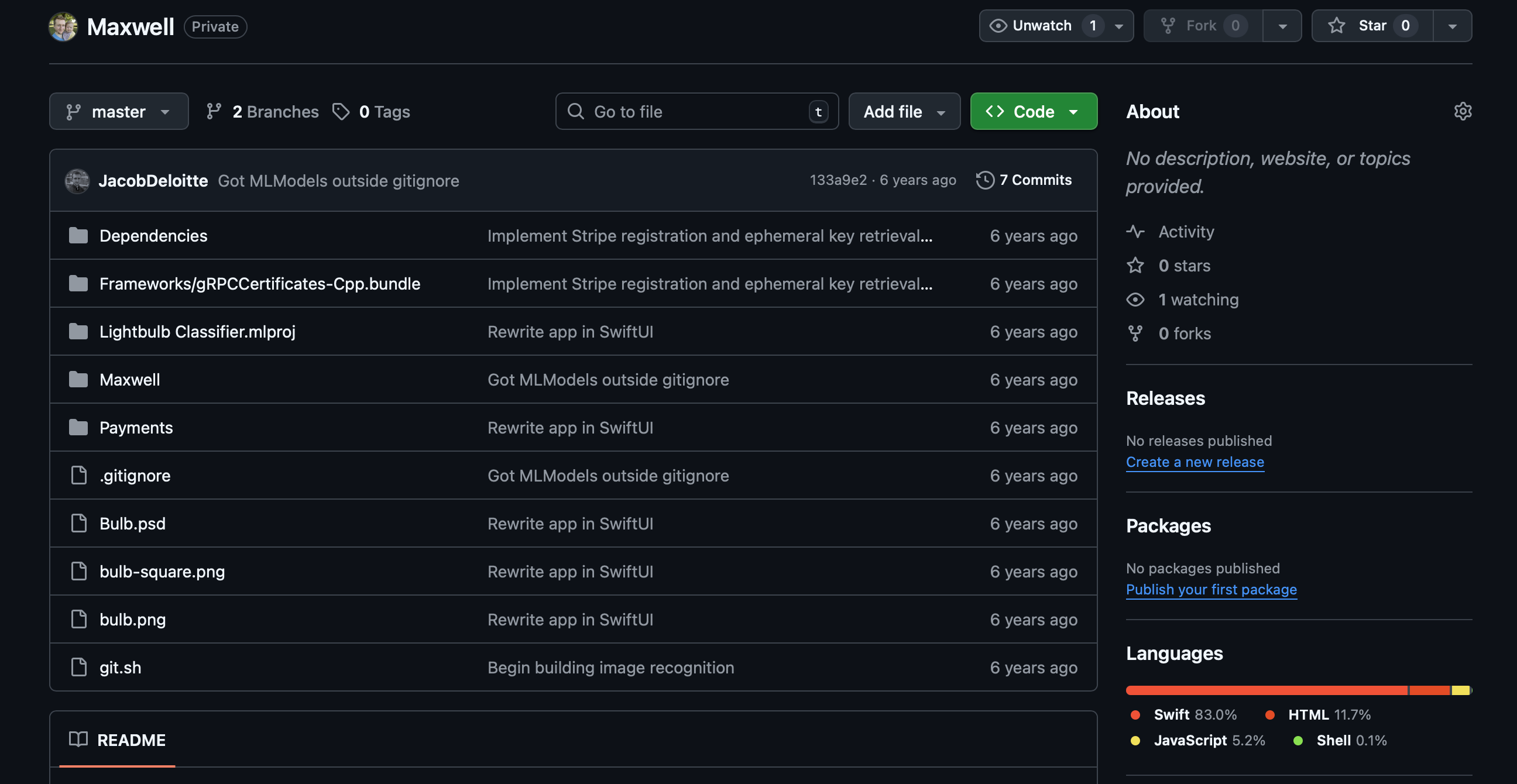
I hazily recall my quixotic quest to build a lightbulb fitting classifier ML model using CreateML. My rush to implement Stripe payments before even a hint of revenue. My zealot-like insistence on using Carthage as a dependency manager.
I also found my old logo!
The only half-valuable thing I got out of my Apple Pencil.

I’m putting my updated workflow to the test to build out this project:
I did all this work in Codex using the gpt-5.2-codex high model.
I set up XcodeBuildMCP with the intention of verifying all my work autonomously via tests and simulator runs.
The repo contains some open-sourced AGENTS.md, slash commands, and skills for SwiftUI and concurrency review.
I’m going to aim to run 5 instances of Codex in parallel, numbered, with each CLI window pinging me via system notification when they finish.
For each instance, I’ll carefully plan each feature before trying to one-shot.
I’m going to set up web sessions via the ChatGPT app and attempt to ship some QA fix PRs while eating dinner.
If I have time, I might install Cursor and implement some manual fixes, with my fingers, like it’s the 1970s.
Here’s the full project!
Well, it’s not exactly finished, but I trust you not to PIP me.
Pretty good for an afternoon’s work, I reckon.
Last Orders
I spent summer diving headfirst into agentic engineering using Claude Code (and later, Codex), realising they were finally very, very good.

But they have not stopped in the last 6 months. I suspect I’ll have to make this a semi-regular post to ensure we stay ahead of the curve!
Frankly, while multi-agent workflows are the current razor’s edge for productivity, it’s actually a deeply suboptimal workaround to latency. If high-thinking-budget inference ran 100x faster, we would not need to perform this context-switching, and could simply roll a single agent as the fully-engaged human in the loop.
I reckon that’s where the next 6 months is going to go.
If you liked my post, subscribe free to join 100,000 senior Swift devs learning advanced concurrency, SwiftUI, and iOS performance for 10 minutes a week.
Sponsored Link
RevenueCat Paywalls: Build & iterate subscription flows faster
RevenueCat Paywalls just added a steady stream of new features: more templates, deeper customization, better previews, and new promo tools. Check the Paywalls changelog and keep improving your subscription flows as new capabilities ship.
You should definitely turn this into a YouTube series seeing real workflows and demos would make this even more powerful.