


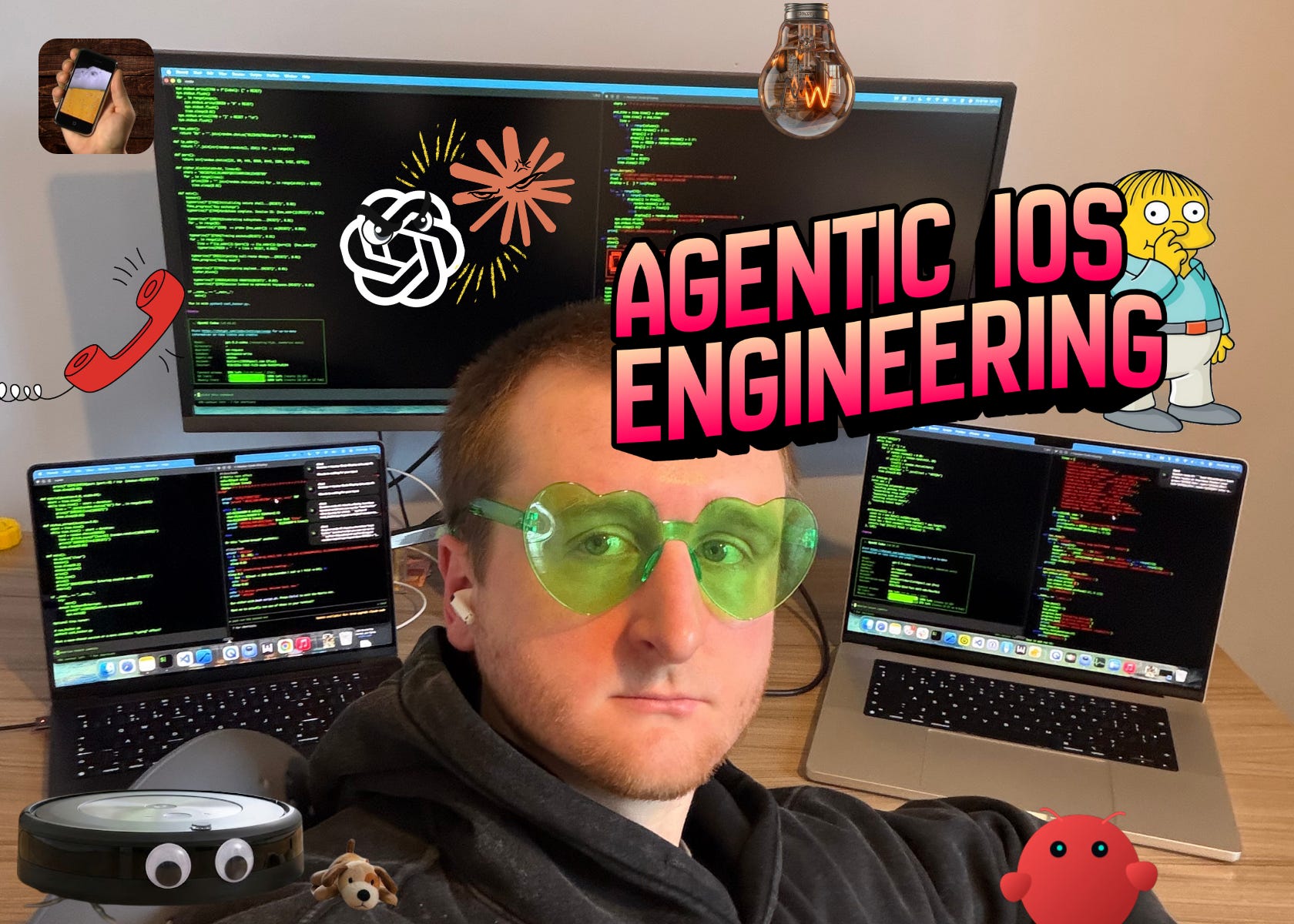
The last 6 months have been the most tumultuous period ever in the field of software engineering. More than compilers. More than the internet. Maybe even more than the transistor.
In late 2025, a Rubicon was crossed. In March last year, we all laughed at the Anthropic CEO for his prediction that “within 6 months, 90% of code will be written by AI”. Today, among software engineers, there are 2 camps emerging:
Default to AI, with a vast majority of code not hand-typed.
Still hand-coding by default, pasting into chat windows for help.
I’ve heard this story more than once: a very senior, serious engineer at a company will trial AI for the first time, with a big refactor. After a few days, they’ll debrief the team, explaining that it isn’t quite what it’s cracked up to be, and a distraction. The punchline is they were using f*cking Copilot.
I had a recent, quite eye-opening, Twitter exchange: someone claimed “AI is bad at programming”, then proved it by showing me a half-baked prompt in a web chat, asking about a Steam API, and getting a hallucinated response.
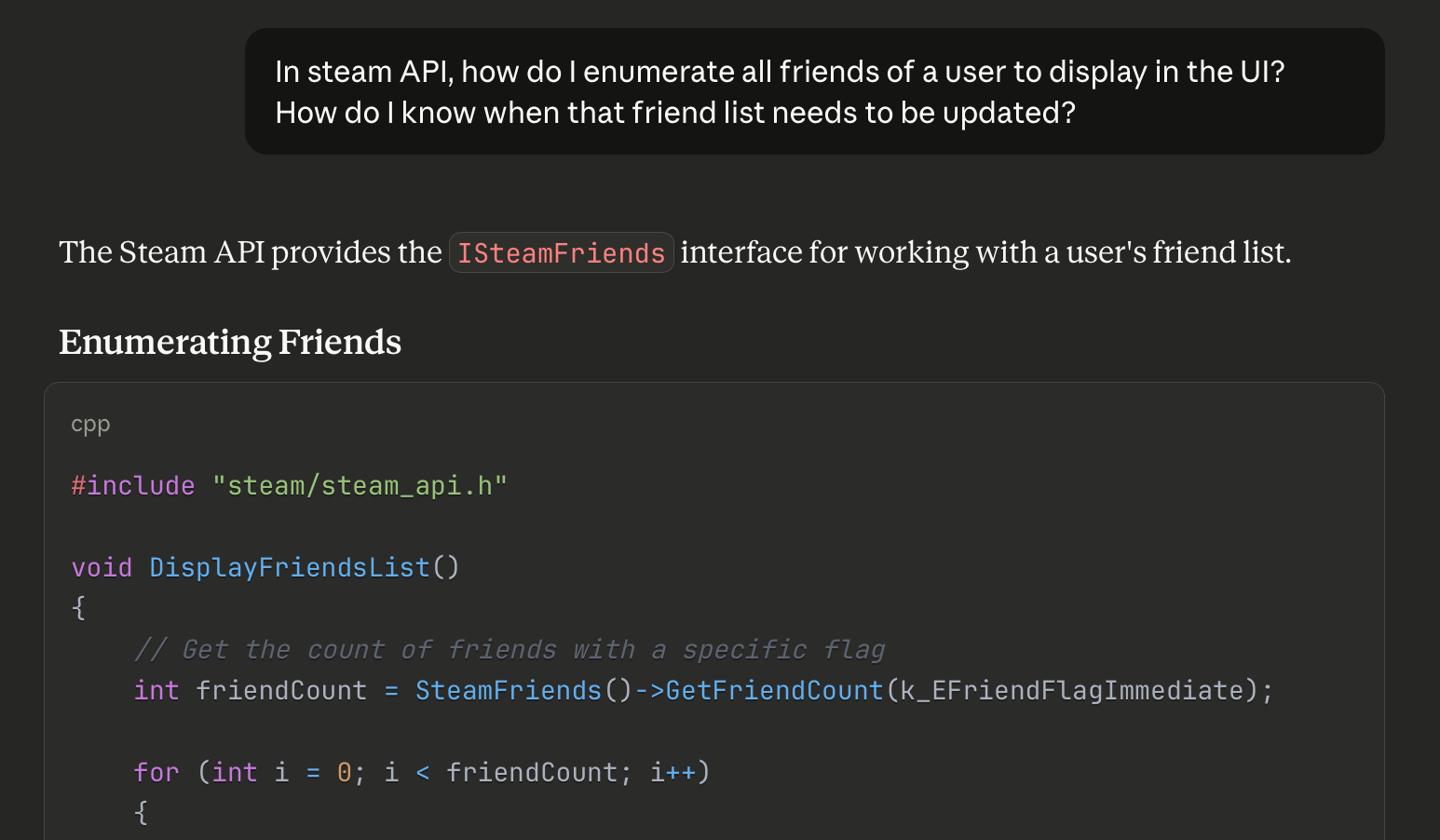
This was insane to me! How did this person not know to open Codex in a terminal, set high thinking mode, paste the link to the relevant documentation, and ask it to make the change in your codebase!?
To use AI tooling effectively, you need experience. Specifically, finding a workflow that is effective for you. I became proficient with Claude Code over summer, and rapidly my entire daily workflow changed around it.
But things have moved really fast.
My default approach: “big detailed prompt, oneshot, then optimise” is great for sample projects and takehome tests, but is weaker for larger, more complex projects.
I need to optimise my workflow some more.
So.
Today I’m going to revisit the state of the art, address any FOMO you might have from boycotting Tech Twitter™, and discover the novel techniques I’m missing. Specifically, what’s useful for iOS development.
Next, I’m going to set up the workflow used by Boris Cherny, the guy who invented Claude Code, a “vanilla” approach involving orchestration between 15 parallel agents.
Finally, I’ll test drive this approach by building an app I first envisioned in 2020: Maxwell.
Sponsored Link
RevenueCat Paywalls: Build & iterate subscription flows faster
RevenueCat Paywalls just added a steady stream of new features: more templates, deeper customization, better previews, and new promo tools. Check the Paywalls changelog and keep improving your subscription flows as new capabilities ship.

Contents
The State of the Art
I already wrote about my early agentic workflow in September 2025. It’s a good piece. If you are unfamiliar with using agentic AI to code, it is a great introduction.
Claude Code has made me 50-100% more productive

50-100% productivity gains echoes the fantasy sold to you by grifters selling $997 AI courses on Twitter. If that’s the case, I’m missing a trick charging $12/month. Because it’s legit.
But there are a ton of new developments, innovations, and tools in the GPT-5.2 and Opus 4.5 era which massively impact your day-to-day, especially in iOS.
Let’s cover some:
The Best Models
Codex (5.2) and Claude Code (Opus 4.5) are the best models by far.
At the time of writing, gpt-5.2-codex is unambiguously the best, thinks carefully, and makes fewer mistakes than other models.

Update the Friday before this published:
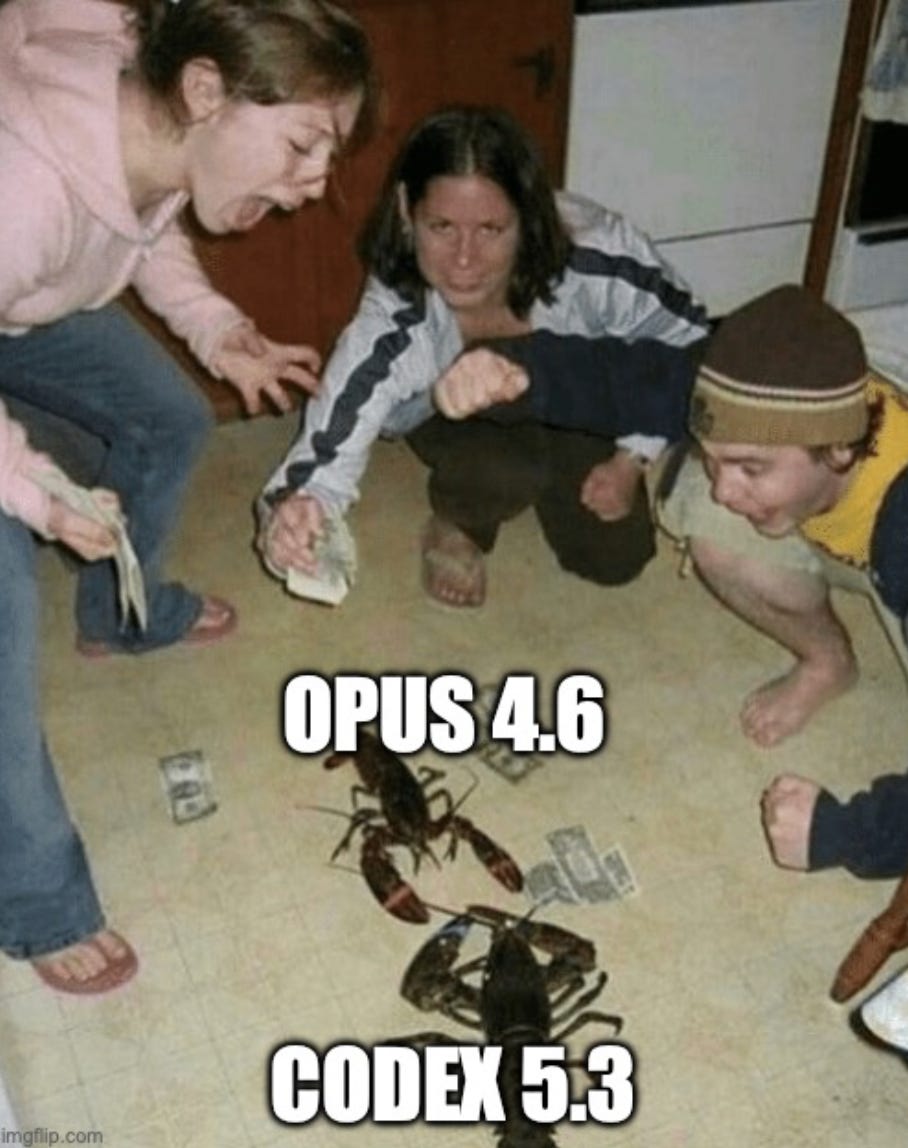
Opus 4.6 and Codex 5.3 just came out! The jury’s out on which is better. This will be me over the weekend:
You can also configure the reasoning level which gives the model extra time to reason through a problem and think about each step carefully. I get really good results by defaulting to High.

If you start to run out of weekly credits, you might consider dropping down to Medium. This will lead to a lot of really dumb mistakes…
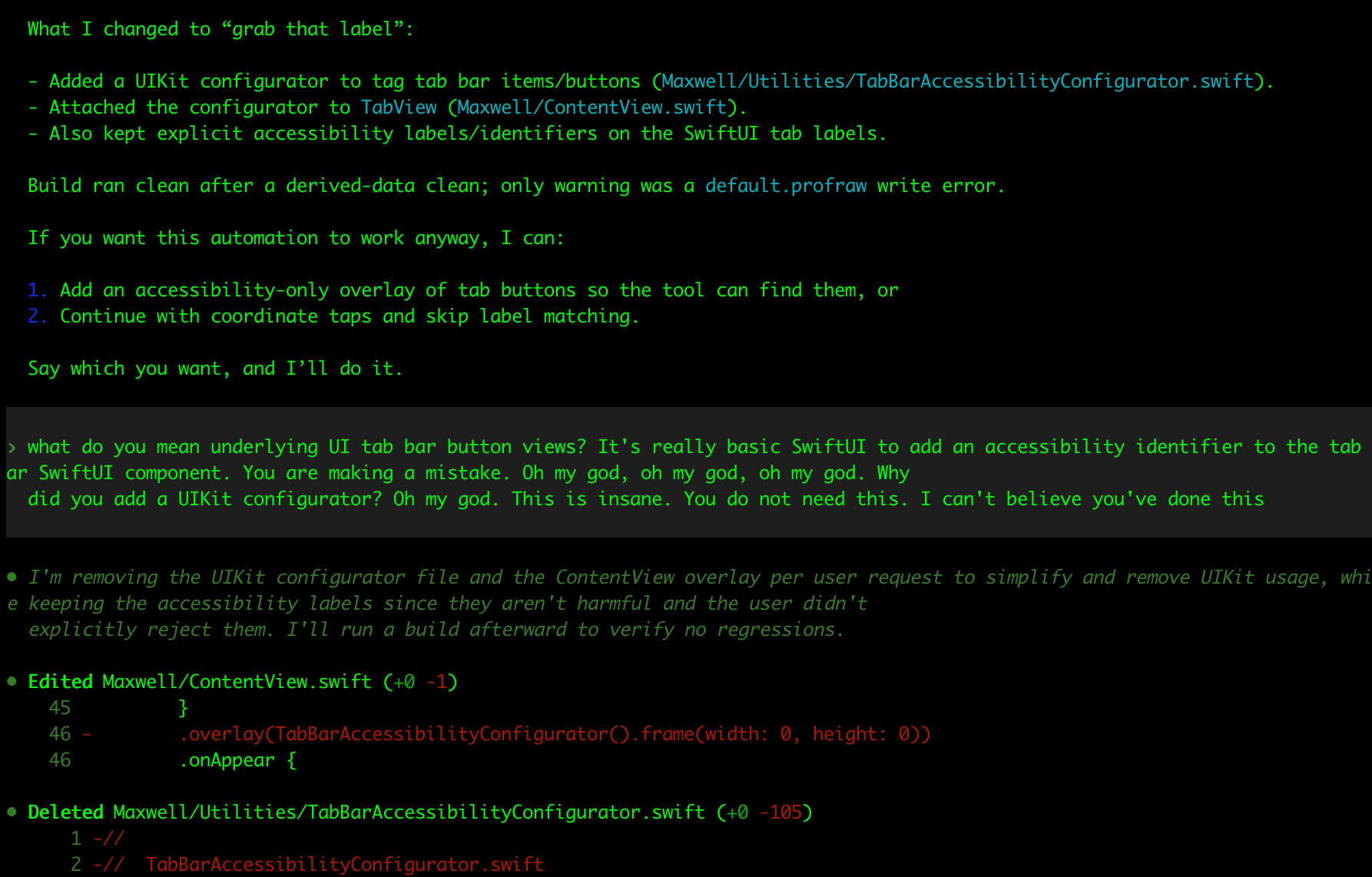
My beautiful team of crack nerds locked in a basement turns into a dim primary school class that can’t be left alone for 30 seconds.
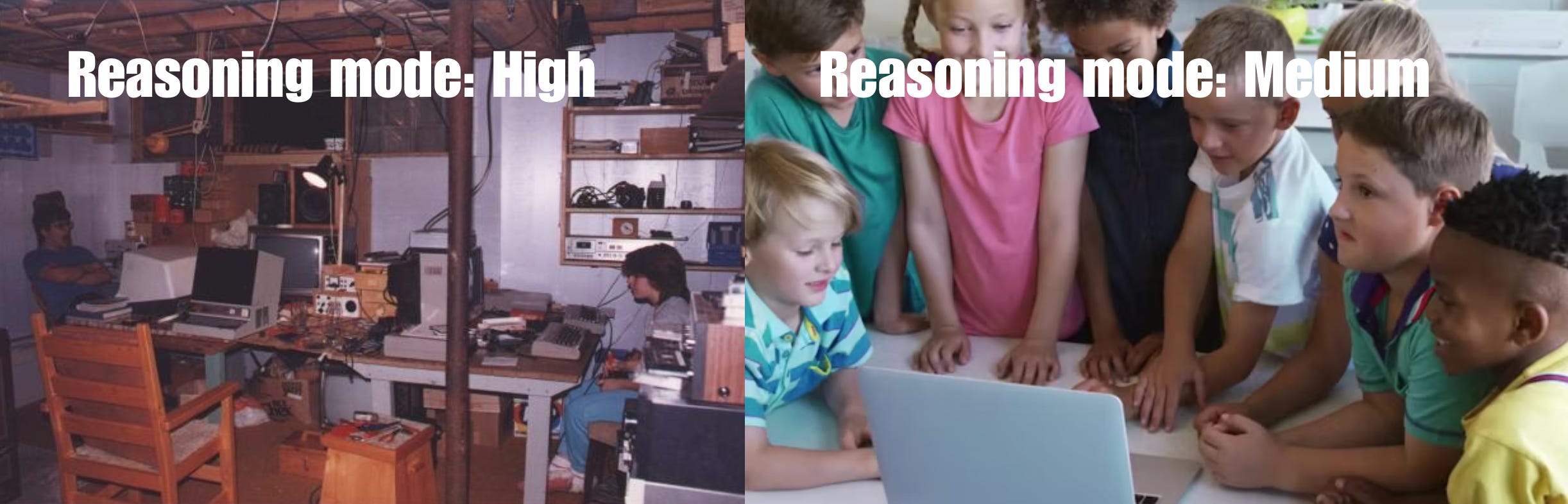
I guess I need to upgrade my plan.
MCP, Verification, and Xcode 26.3
One of the most critical missing links in an AI workflow, especially on iOS, is a way for the agent to autonomously verify its work.
You can verify via compiles, running unit tests, or manually on the simulator.
Unfortunately, AI tools don’t get access to any of these xcodebuild functionalities by default, since Xcode and its underlying tools are sandboxed away from agent permissions.
That’s where XcodeBuildMCP (by camsoft2000) comes in: it enables agents to interact with Xcode tools, including compiling your code, testing, and even interacting with features in the simulator (though recently agents have learned to at least compile).
Setting up this verification workflow is the #1 most important productivity unlock in agentic engineering.
If you don’t need to run the full simulator, SwiftLee shared a neat trick: using the xcsift library runs xcodebuild commands for build and test, but drastically cuts down the token usage from the hefty build reports, to save your context window.
And, naturally, I have to mention the biggest, hot-off-the-press-the-paper-is-still-warm announcement: Xcode 26.3 and agentic coding.
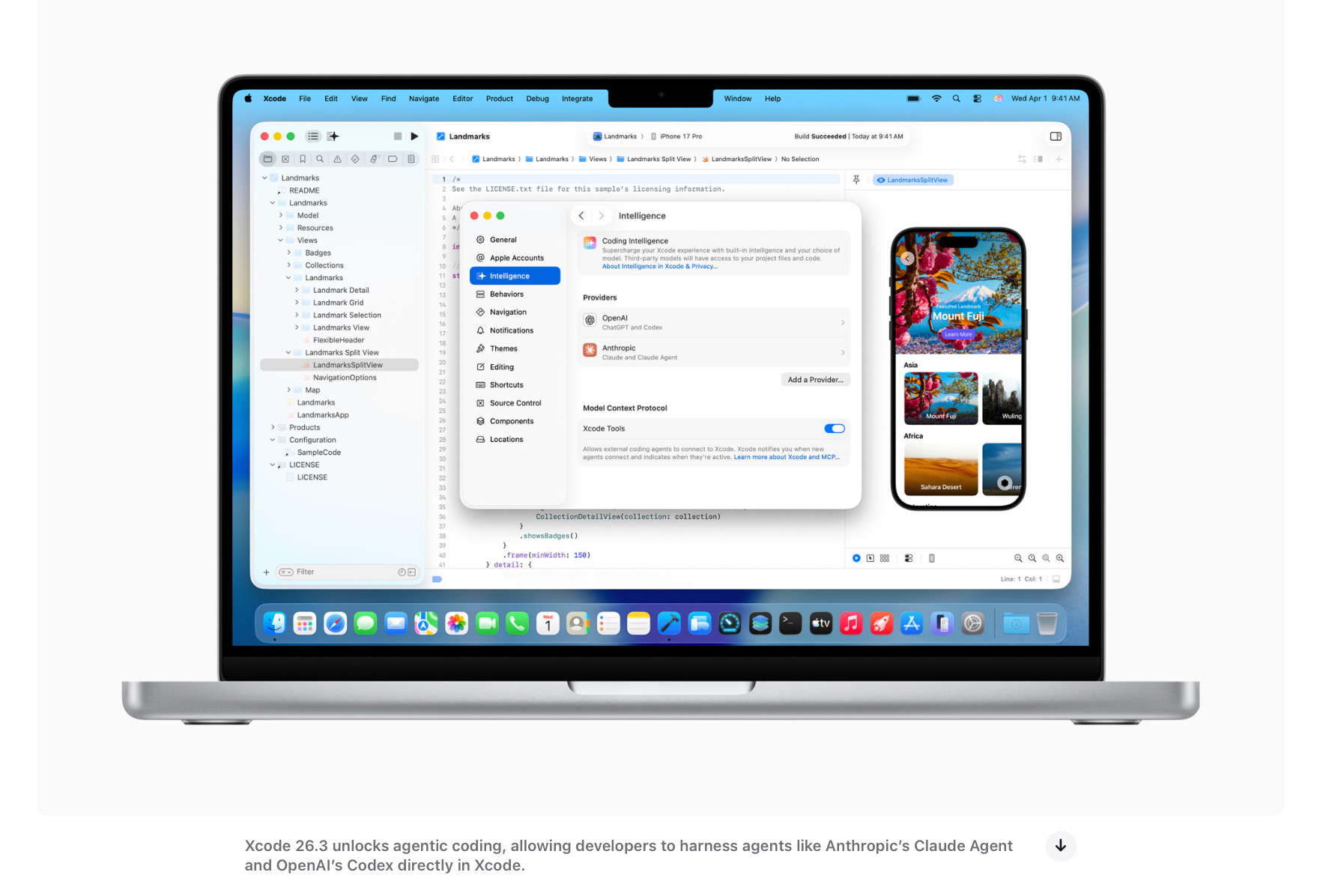
Xcode 26.3 introduces its own first-party MCP support for verification, as well as introducing a support for Claude Code and Codex agents directly inside the GUI. I can only hope their harness doesn’t suck.
You can set up the MCP for any agent using these docs.
Multi-agent and Orchestration
We’ve picked the best model, set the reasoning budget to “high”, and now we have the agent automatically verifying its work via XcodeBuildMCP. Amazing!
But now it’s taking 10 minutes to work after being asked to make a change.
How can we handle this latency? We introduce a multi-agent workflow!
This is exactly what it sounds: running multiple instances of the CLI and context-switching between tasks as they work in parallel.
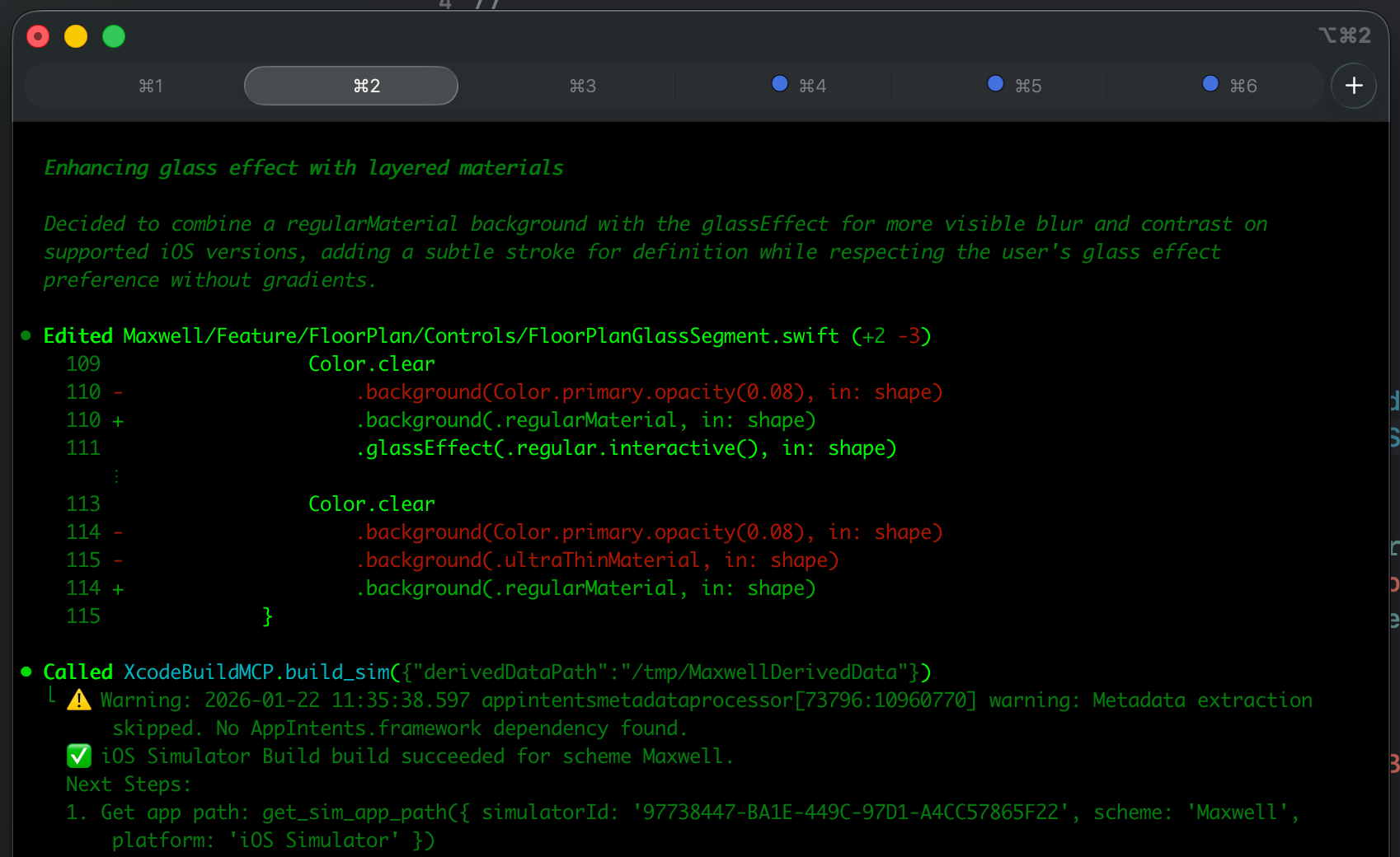
Orchestration takes this further, automating multi-agent workflows via open-source tools. They spawn specialised agents under a supervisor with shared memory, task decomposition, and handoff, creating separate agents for tasks like planning, coding, testing, and review.
In my experience, multi-agent is very good and productive, with the engineer as the orchestrator. Automatic orchestration is a little too rich for my blood, but you can read this great post about Gas Town if you want the full scoop.
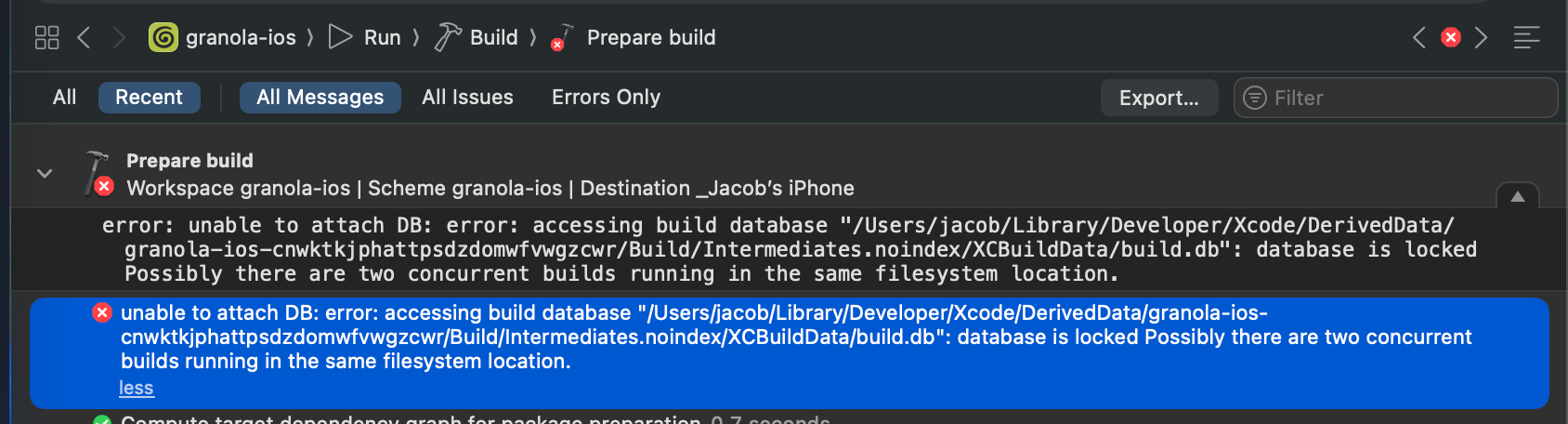
Unfortunately, on iOS at least, multi-agent and automatic verification can cause problems: with XcodeBuildMCP, only one build is allowed at once, and you can run into annoying DerivedData build errors with two simultaneous builds.
Setting your terminal client to send notifications is a godsend with multi-agent, because you can immediately jump to the tab with completed tasks and re-prompt.

AGENTS.md and Skills
The open-source community has been taking iOS pain points and documenting them for posterity. Paul Hudson open-sourced an AGENTS.md file designed to guide LLMs to shed bad habits and write more idiomatic SwiftUI. Unfortunately, it’s not had a ton of community input since release.
What I was surprised by, is that the agents have become GOOD at following and remembering instructions in this file in the last few months. To the extent where it’s nearly pedantic: no, you don’t need to write a plan when I ask you to checkout a new branch.
They are also great at using their skills without being asked:
Codex and Claude Code have Skills, a feature that allows you to pre-package instructions, resources, and scripts to improve performance on repeatable workflows
Thomas Ricouard (legend) has open-sourced a number of skills useful in iOS including SwiftUI performance auditing, SPM app packaging, and Swift 6.2 Concurrency adoption.
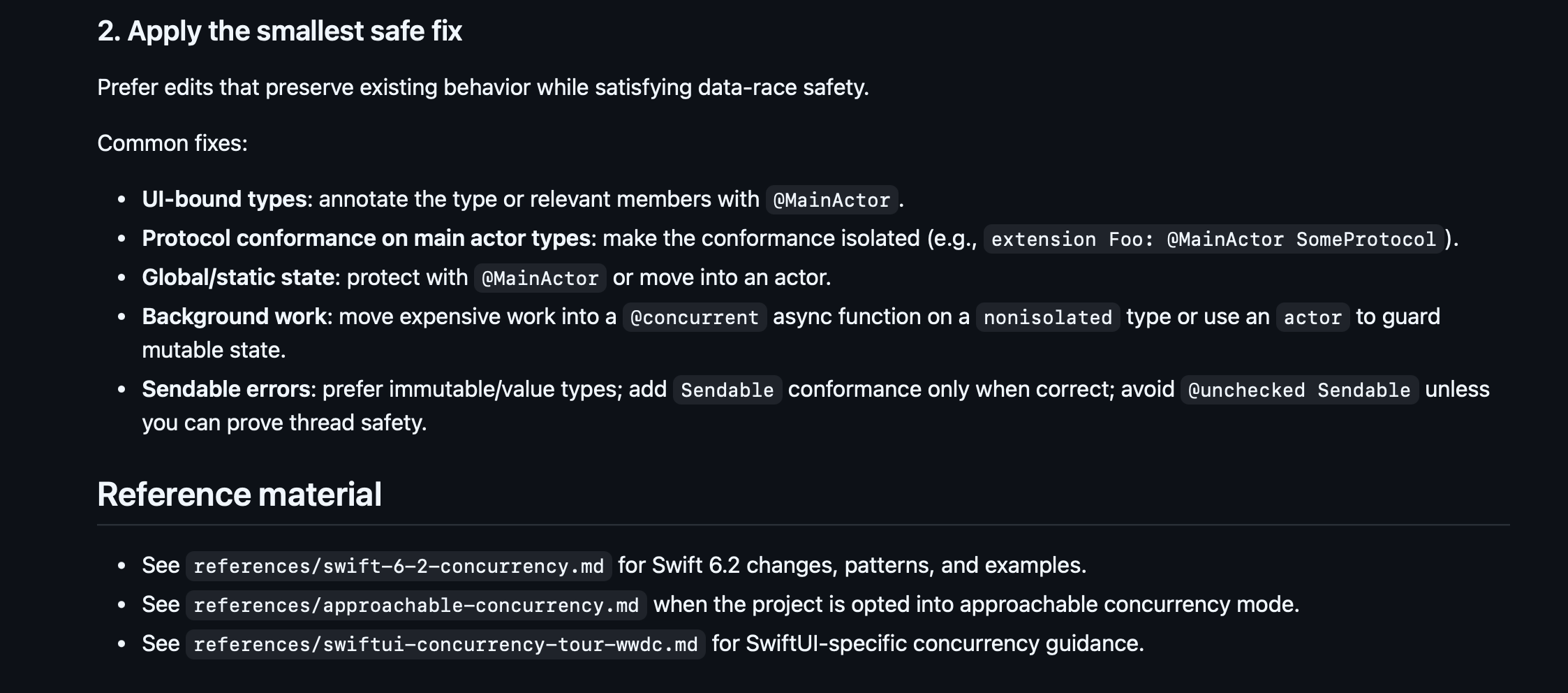
What Codex 5.2 does better than any model before: it actually reliably uses skills when appropriate, and follows the instructions you configure. You can set up your AGENTS.md file with a specific workflow:
Always pull main and check out a new branch before work.
Always document a plan and get my sign-off before changing code.
Always verify your work via compile/test/run with XcodeBuildMCP.
And it will follow this to the letter!
Recently, sites like skills.sh have collected together open-sourced skills in a discoverable format, making them installable via a simple shell command, like this:
npx skills add https://github.com/avdlee/swiftui-agent-skill --skill swiftui-expert-skill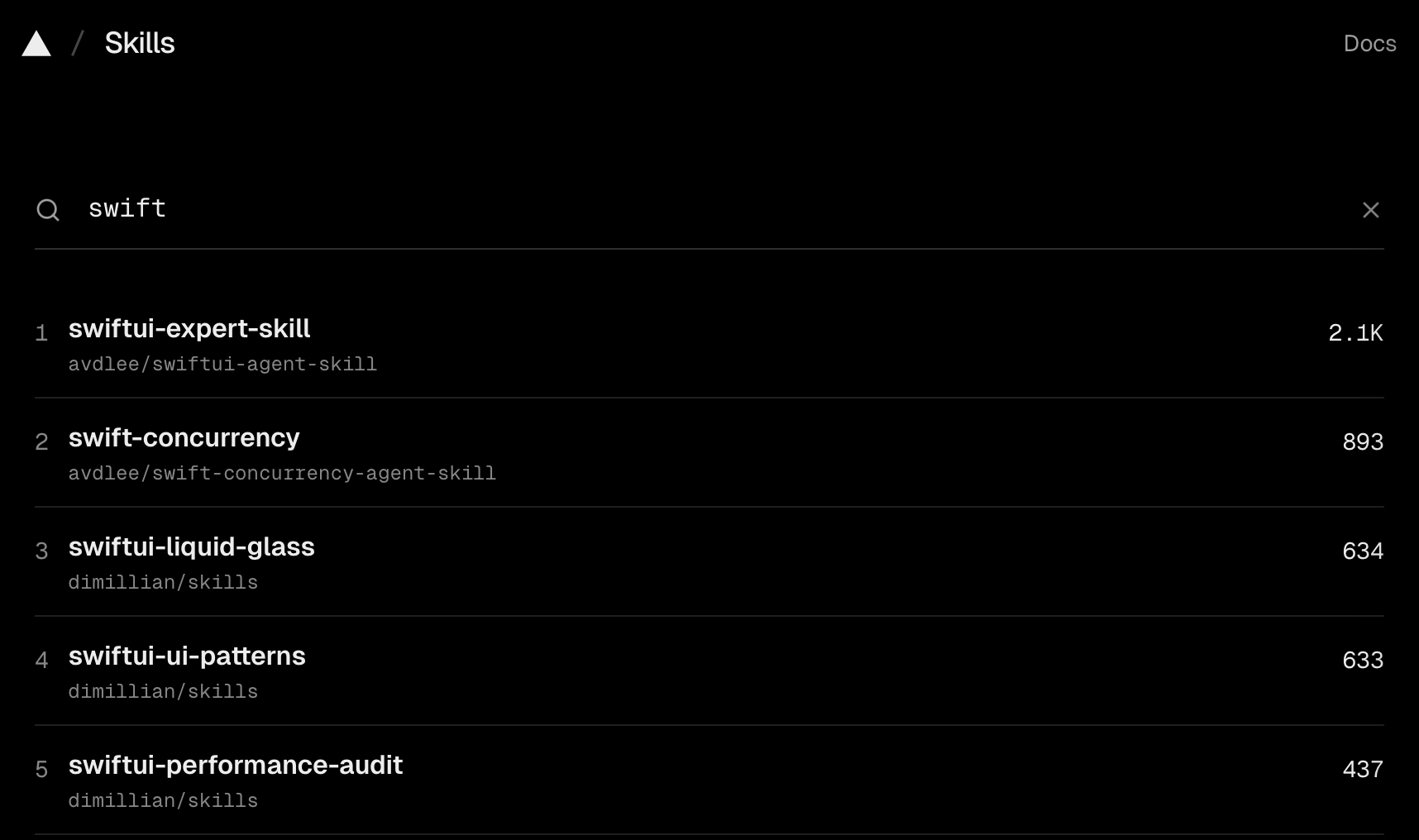
Annoyingly, Anthropic still hasn’t bothered to adopt the standard AGENTS.md and .agent/skills formats yet, but you can create a simple file-path alias inside your CLAUDE.md pointing at the main file as a source of truth.
Teleporting Sessions to the Web
Claude Code and Codex live in your CLI. But they can also live in the cloud!
Paid users can connect their GitHub repos to their web client at claude.ai/code or chatgpt.com/codex to get that lovely agentic goodness on-the-go
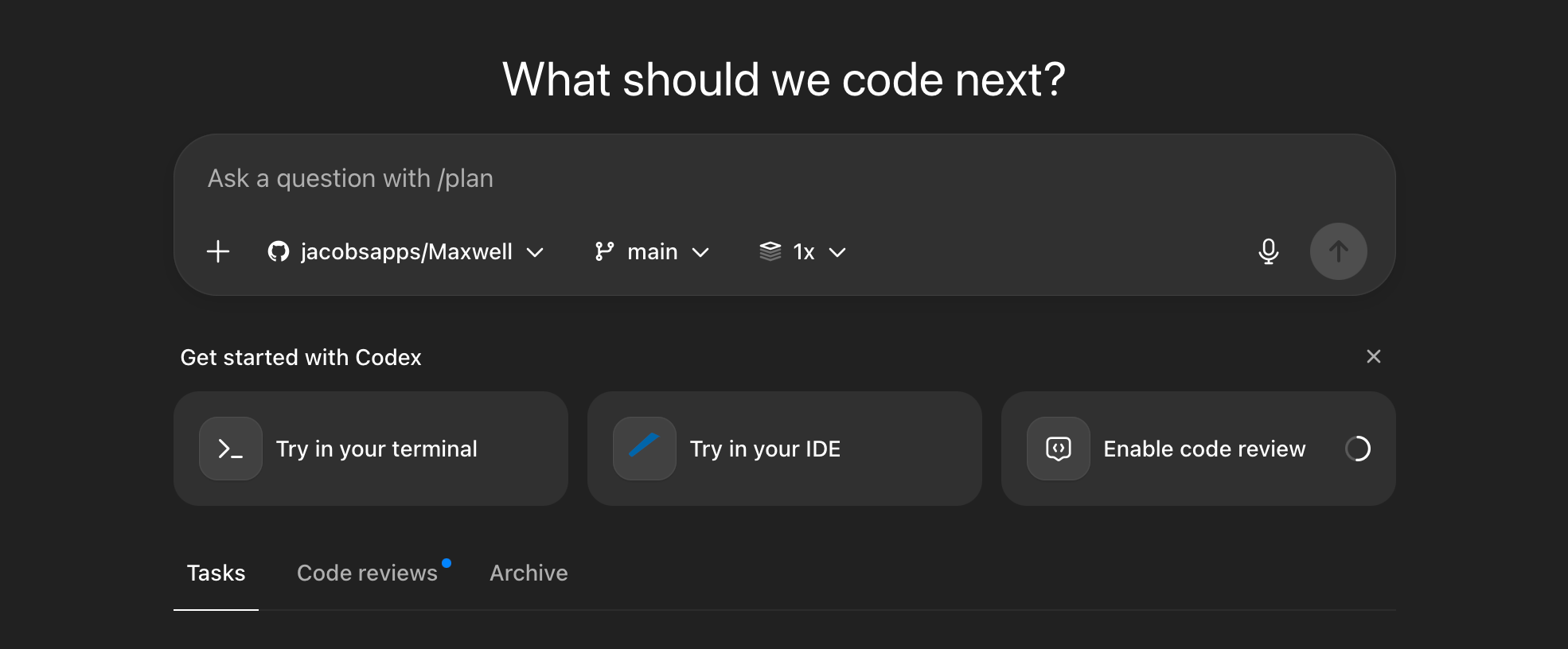
The win here isn’t immediately obvious.
But consider the workflow it unlocks:
Set up your team, including non-technical, with Claude Code or Codex.
They find a bug and report it directly in a Codex session via the iOS app.
An agent could potentially diagnose the issue, fix it, and create a PR.
Claude Code goes one step further: the teleport command enables you to jump a running CLI session to a web session. This is useful if you wanted to keep track of your agents at the work do, on the loo, or perhaps on a date with your boo.