


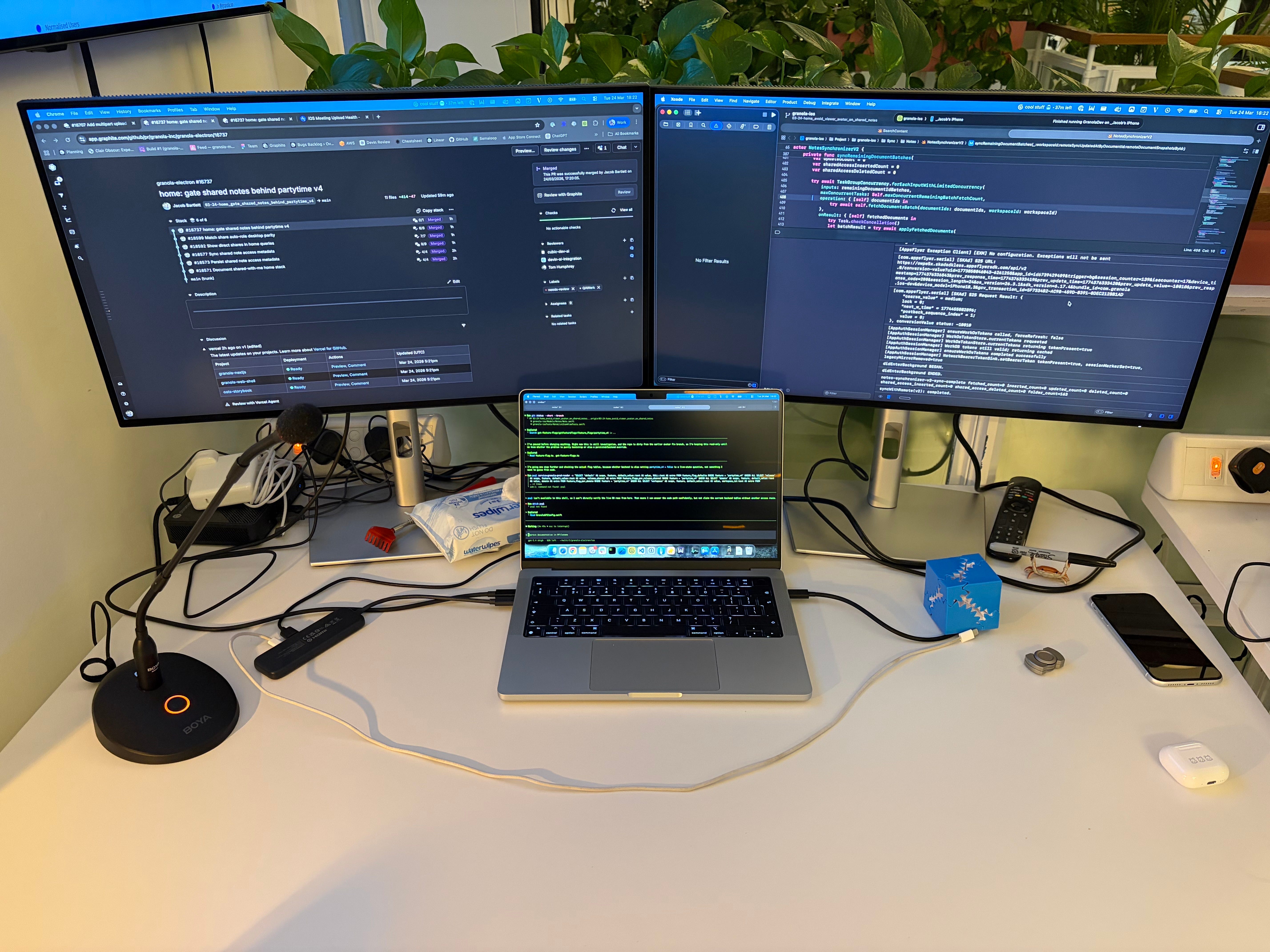
Rate my setup.
If you’ve been following my escapades for a hot minute, you’ll know that after my brief stint of independence, I landed in Granola, a hot London startup building a popular AI notetaker. We just landed our Series C, officially making us a unicorn 🦄.
Now, sit down. I’m about to rock your world: we use lots of AI.
Our tiny mobile team punches well above our weight, shipping faster than I’d have dreamed possible back in November 2022 when ChatGPT launched (has it only been 3ish years?!).
With my left hand, I wield a maxxed-out Claude Code subscription. With my right, a maxxed-out Codex subscription. The overwhelming majority of the code I ship (yes, easily ~99%) is written by an agent. This is, to use 2020 lingo, the new normal.
I’ve been mucking around with agents since May last year, but rolling multiple agents in parallel most workdays has honed my workflow substantially. Seriously though, I’m getting so much done. It’s almost unbelievable.
It’s absolutely not a strict measure of productivity, but I’m landing eight PRs a day on average.
Nothing in this blog post is prescriptive: everyone has a workflow that works best for them. Some rip through Opus 4.7 credits in the terminal, some utilise the Cursor’s IDE for everything, some rock the Codex app. Many are gradually accelerating from single agent to multi (and beyond).
Our guiding philosophy? Ship bricks.
I hope you find it interesting.
Contents
Agents running for hours
Let’s get this one out of the way first, because I myself have been inflicted by impostor syndrome from the tech bros that tweet about this constantly.
I used to be incredulous about people who left agents running for a long time - or, worse - overnight, until I cracked it myself. And realised it’s nothing special at all:
The best models (Codex/Opus/Mythos(?)) in the highest thinking mode take way longer than default settings, but make far fewer mistakes.
You need to set up verification on your agents so they can build, navigate through your app, log stuff, run tests, and perform fixes autonomously. This, again, takes ages but returns extremely trustworthy work.
You can set up agent rules that follow your workflow consistently, whether that’s worktrees, verification pathways, or a git strategy (more on this later). Often each step in a plan requires an extra verification run.
This is why you go multi-agent. Not because you have severe ADHD (which I do), but because when your agents are doing their job properly, these factors combine multiplicatively.
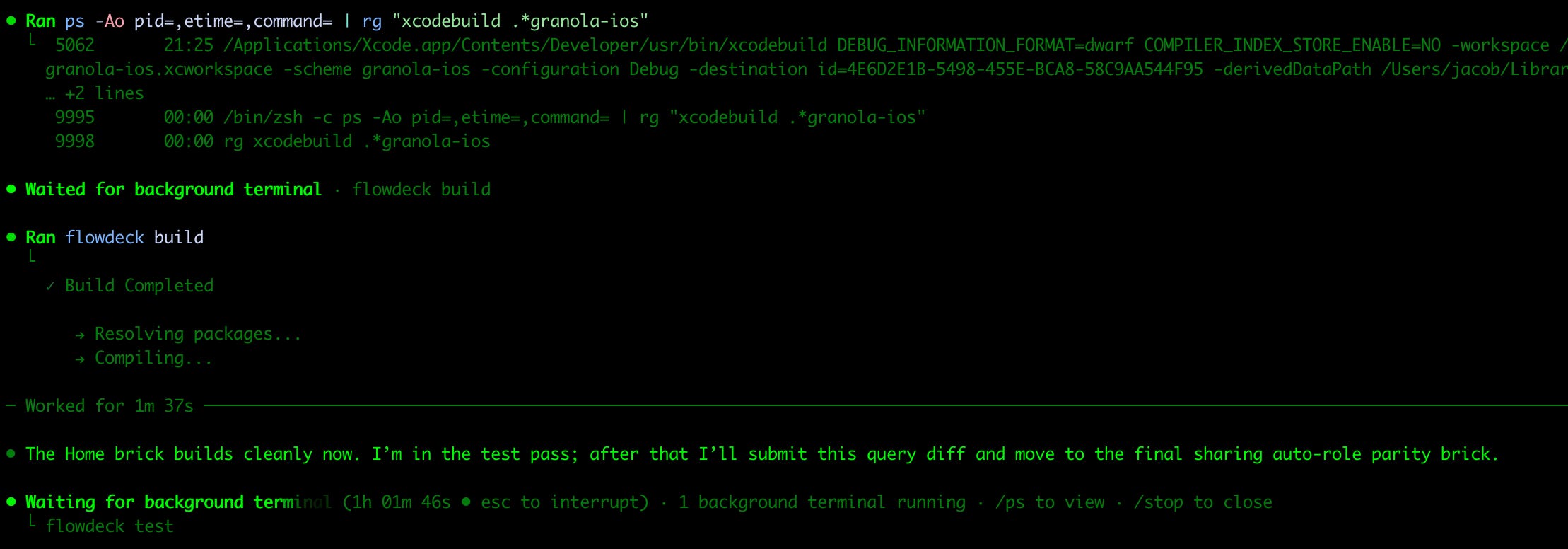
The longest recent example I can recall was my Bitrise pipelines. Naturally, the remote tests were flaky, but my agent had access to the MCP. It could simply wait 20 minutes between each push and read the results.
As the lowly human in the loop, there was little for me to do but enter caffeinate and run it overnight. Waking up to a green build (amongst the ashes of my Bitrise credits) was a good (if bittersweet) time.
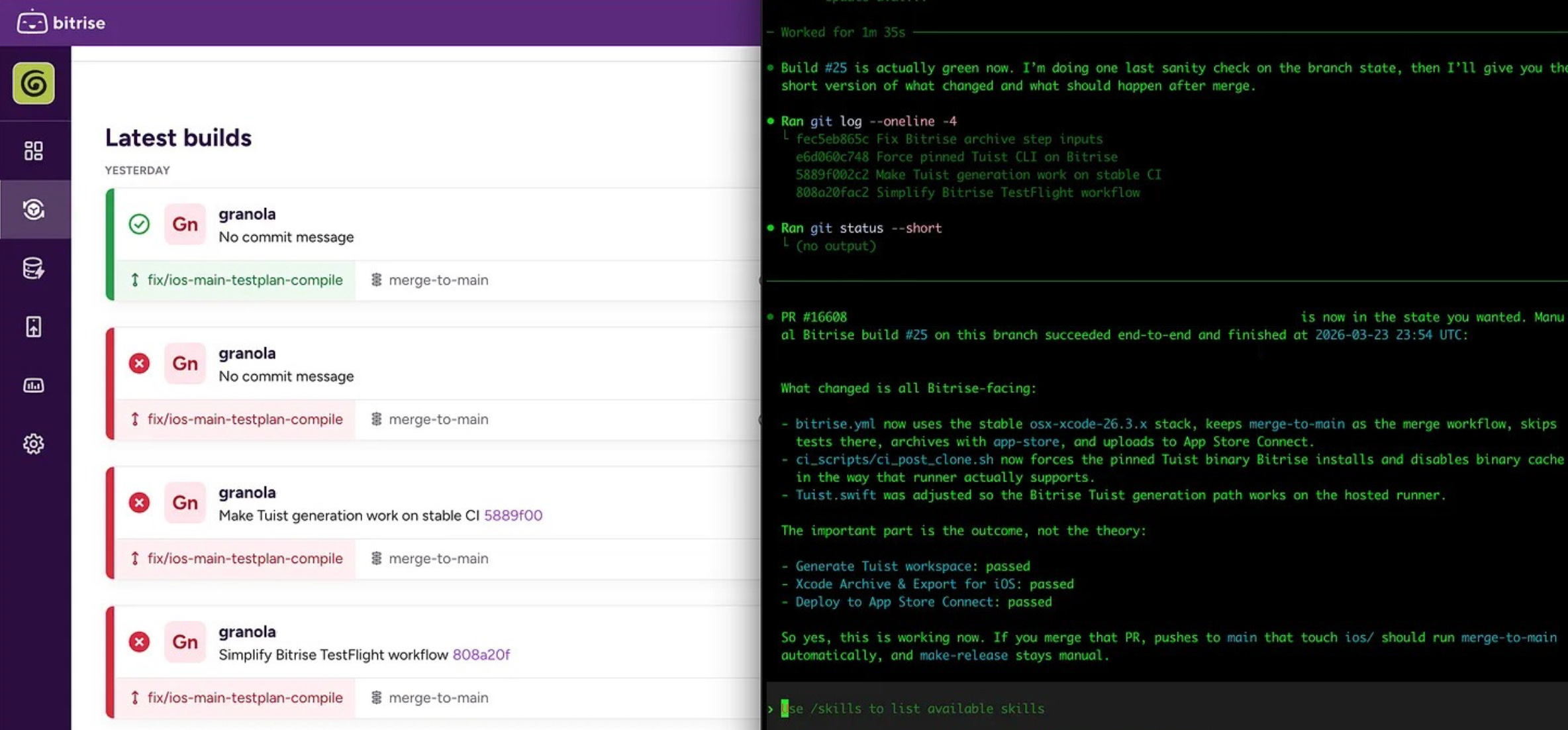
Context Switching
This is the true downside of the multi-agent world. In an ideal world, agents will be lightning fast and you could run single-threaded. But when using the strongest models and longest thinking modes, latency management is a fundamental skill in this new world (until the models get faster).
I have 6 (and counting) identical separate checkouts of our source repo, so agents can work on different tasks without stepping on each other’s toes. In order to get this to work with Xcode, we set up local derived data folders for each checkout, so xcodebuild doesn’t lock the local DB for each concurrent build.
I tried both the Claude and Codex apps, but frankly I prefer the terminal so I can more easily flit between models and tabs in the same terminal window. It admittedly also better serves my self-image as an elite hacker from the Matrix. Both good.
Feature Workflow
This is the big one, okay? Here’s what you came for. I’ve been refining my workflow for working on new features pretty drastically.
I’ve shared the thesis, but paid members get the full operating manual: stacked diffs, my parallel-agent feature workflow, collaboration with product & design, a superpowered debugging workflow, and a primer on managing cognitive debt.
Paid members also unlock Elite Hacks, access my free articles early, and get advanced concurrency training.
Last chance to take advantage of my eBook sale 🧑🏫
This week only, own my best work for $30 off!
📕 Advanced Swift Concurrency Training is a real-work concurrency simulation, guiding you through 12 increasingly complex challenges, allowing you to apply and master practical concurrency knowledge. You get a certificate at the end.
📓 Land Your iOS Tech Job is the novelisation of my epic job grind last year, packed to the gills with practical advice to crush technical interviews and maximise your income. Get it before the market turns and/or the price jumps back up.
