


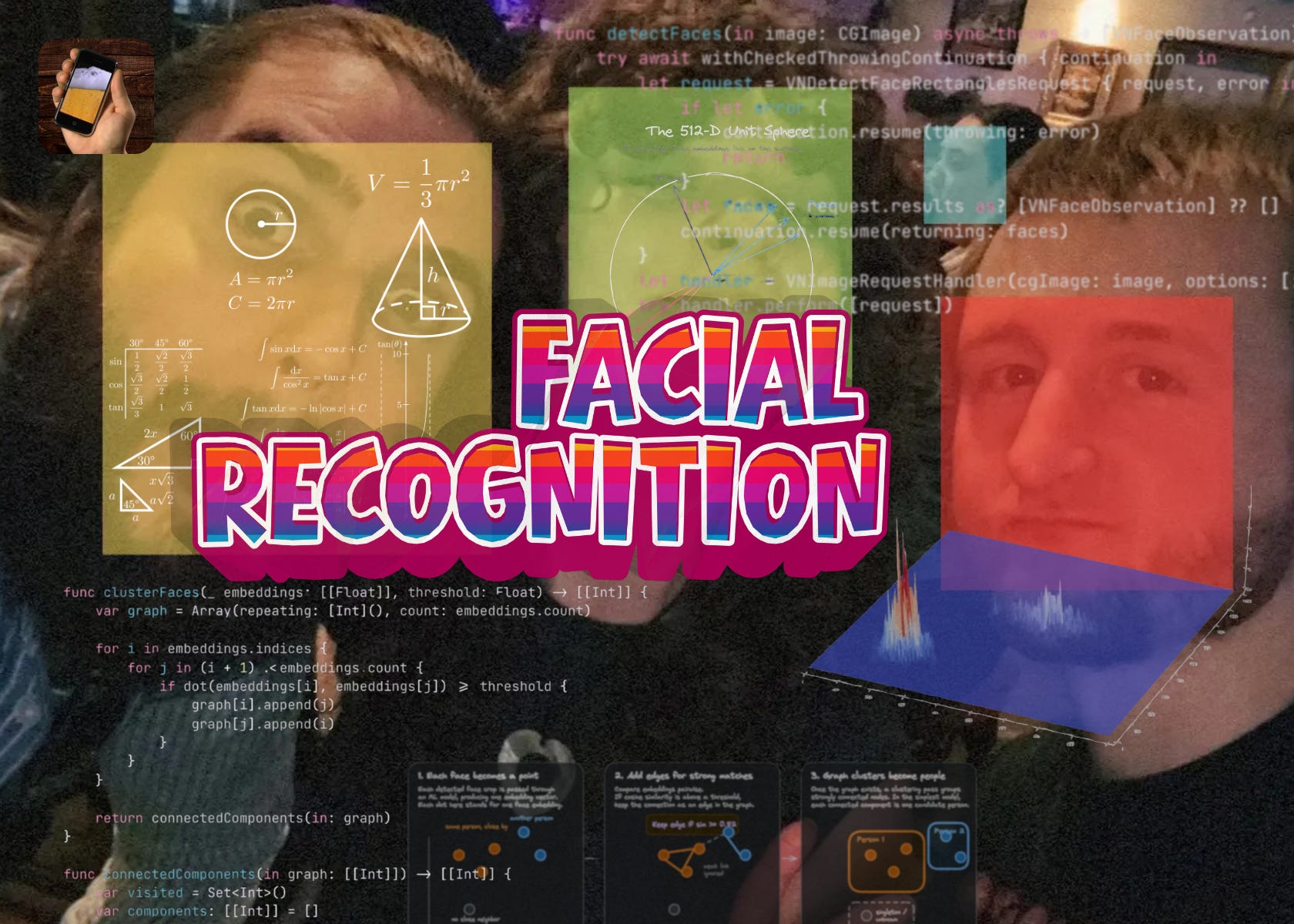
AI features are frequently whipped out and waved about in your face. You know what I’m talking about: empathetic but useless customer service droids. Auto-post-writing on social media. Email summaries (and filtering!) that nobody asked for.
Often, we’re not really the target audience; it’s so they can tell shareholders about their AI strategy (annoying but I guess better than what Meta is doing with the 20% layoffs…)
It’s not controversial to say the best kind of AI features are invisible, quietly improving products without you having to think about it. Recommender algorithms. Curation. Semantic search.
Apple Photos is a great case study. Say what you want about the dodgy iOS 26 redesign, but it’s fundamentally a solid product: it safeguards decades of your life in the cloud. It curates daily slideshows of memories. And it’s pretty darn good at working out who is who across your photos.
People & Pets lets you tap a face to see all the photos of that person.
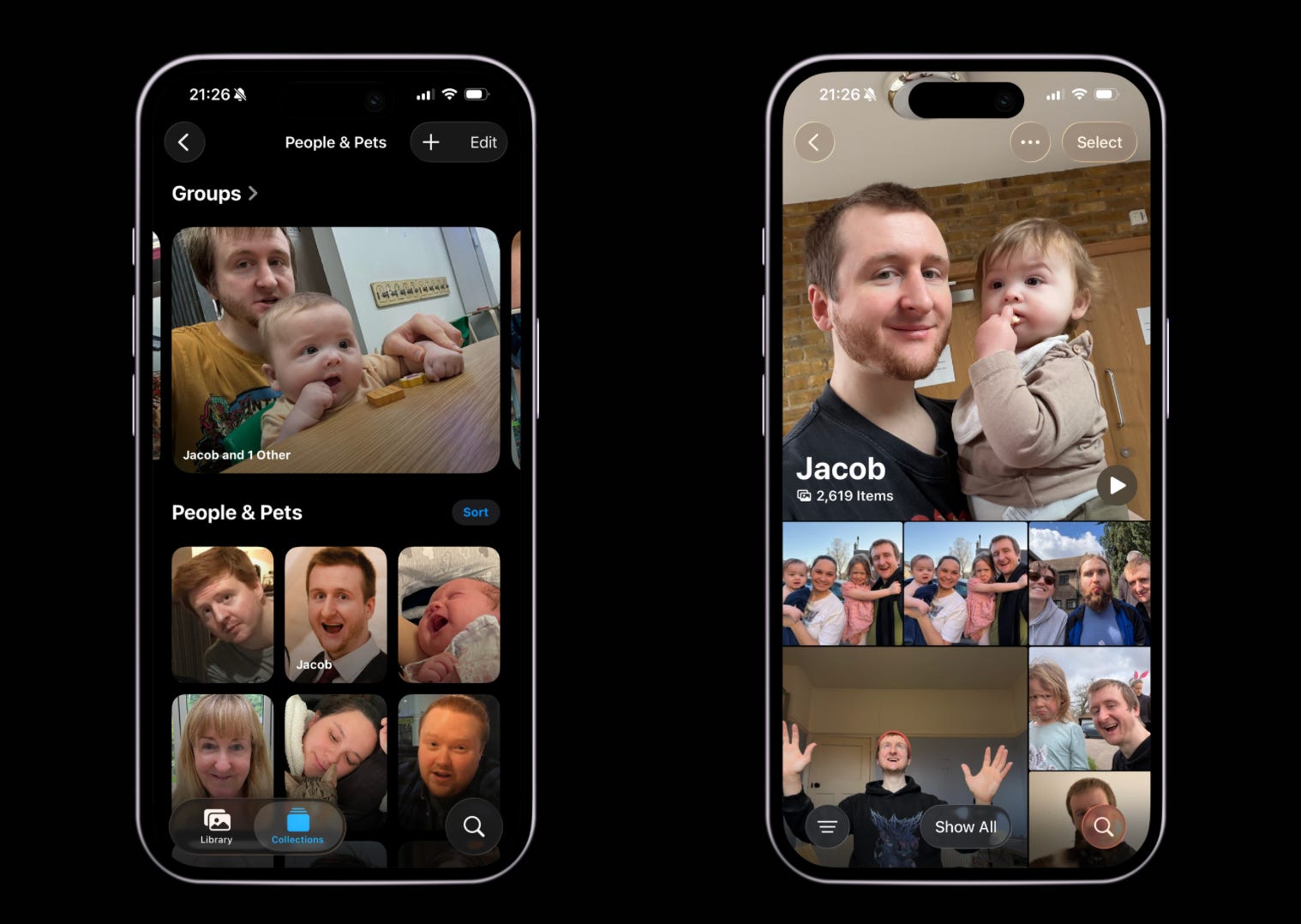
Facial recognition isn’t possible without some solid ML work: computing facial fingerprints across thousands of images and clustering like images into a library of family and friends, all in the background.
There’s no better way to understand a system than by jerry-rigging your own janky version, so that’s exactly what I did.
Contents
The Sample Project
I couldn’t be arsed to decompile anything today, so can’t speak for Apple’s specific implementation, but the concepts of facial recognition software are a surprisingly straightforward 3-step pipeline:
Detect faces in each photo via Vision.
Turn each detected face into an embedding via ML models.
Group similar embeddings into people via clustering algorithms.
The best part? This all works locally with on-device models, and works pretty damn well.
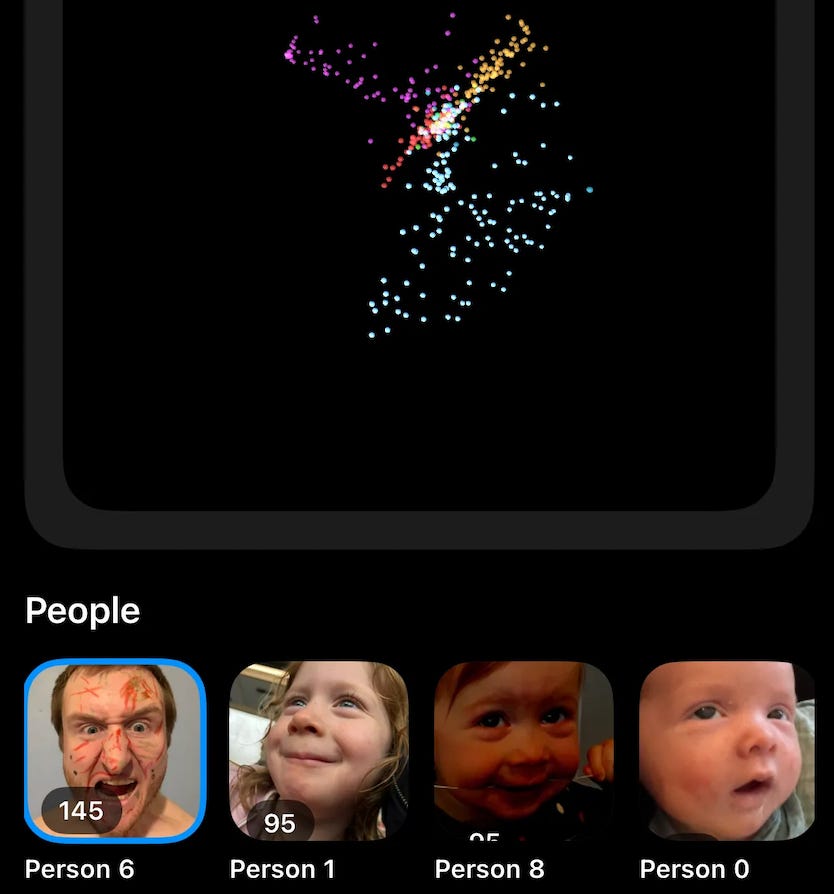
I’ll also share the sample project so you can go into much more detail. We will learn a whole lot about embeddings along the way. Quick spoiler for where we’re landing:
Get the whole sample project on my GitHub repo now:
Step #1: Finding Faces with Vision
The first step to building a library of faces is understanding which pixels of a given image are interesting to you.
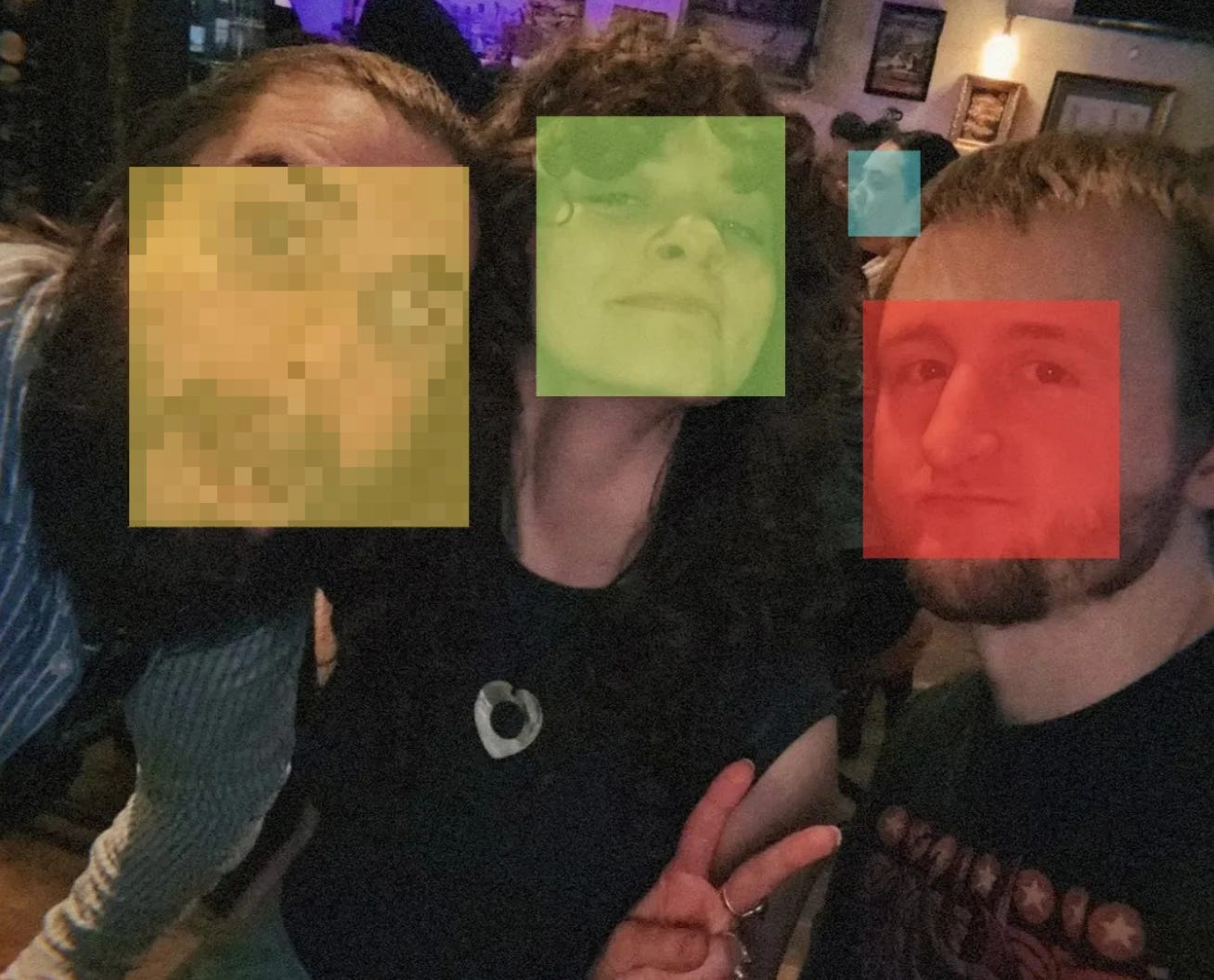
Now while I think all pixels are beautiful, only a few bits of the image actually help us with facial recognition. That is, the faces. A photo has a vast quantity of information, but most of it is noise if you just want to match faces.
We need to find the coordinates of the image which actually contain faces.
Apple’s Vision framework has a built-in API for precisely this. Give VNDetectFaceRectanglesRequest an image, and it returns a list of bounding boxes around each face.
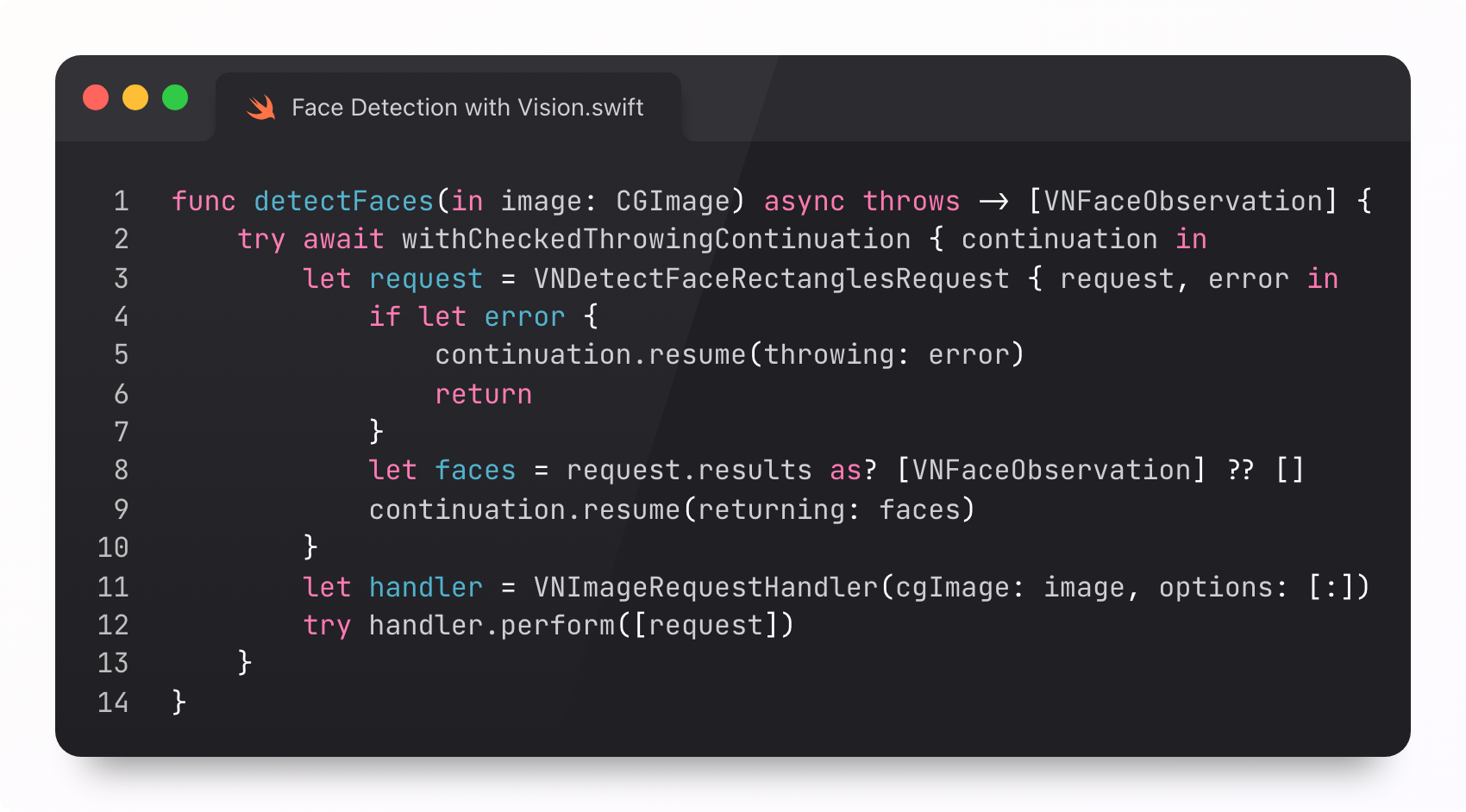
This doesn’t perform any work to identify anyone. It’s just rectangles.
Underwhelming, perhaps, but no less important. It’s our first building block.
Now we can ignore the rest of the photo and work face-by-face instead of image-by-image. It also helps to do a simple post-processing step and discard faces too small or low-confidence to be useful, like the blurry lad in the back of your concert selfie.
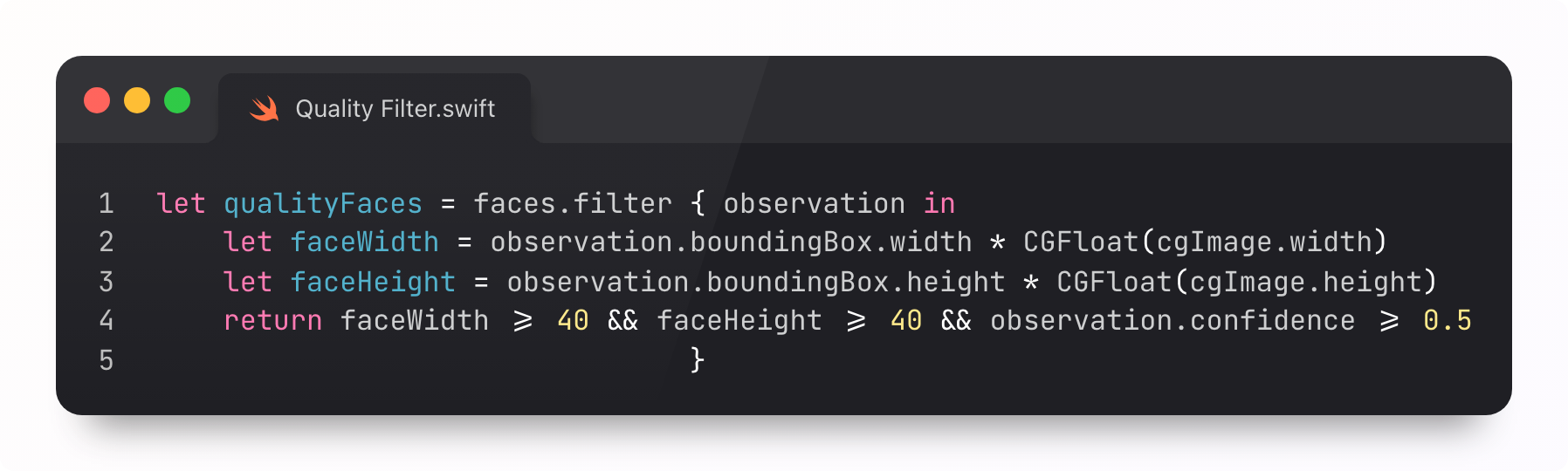
Step one is done. We have our list of rectangles associated with each image. Next, we convert the crops into… mathematics.
Step #2: Computing Embeddings
What is an embedding? A miserable little pile of secrets. It’s a fancy word for a vector, which is a fancy word for a list of numbers. A 512-item array of floats. If you like forensics-y metaphors, it’s a numerical fingerprint representing the image.
We create these embeddings by passing the pixels of a face image through the weights of our chosen face recognition model: pixels go in, embeddings go out.

Aside: how are facial recognition models trained?
As with most ML, you start with a huge labelled dataset, with many photos of each person across different poses, lighting, age, facial expression, and image quality, to ensure a model can learn that one person might be representable by a range of pixel values. From there, you train it the same way you train any neural network.
Now we know where to find faces, we are basically crunching geometry. Geometry like the spacing between your eyes, the position of your mouth, the shape of your skull. These properties tend to be constant between plastic surgeries.
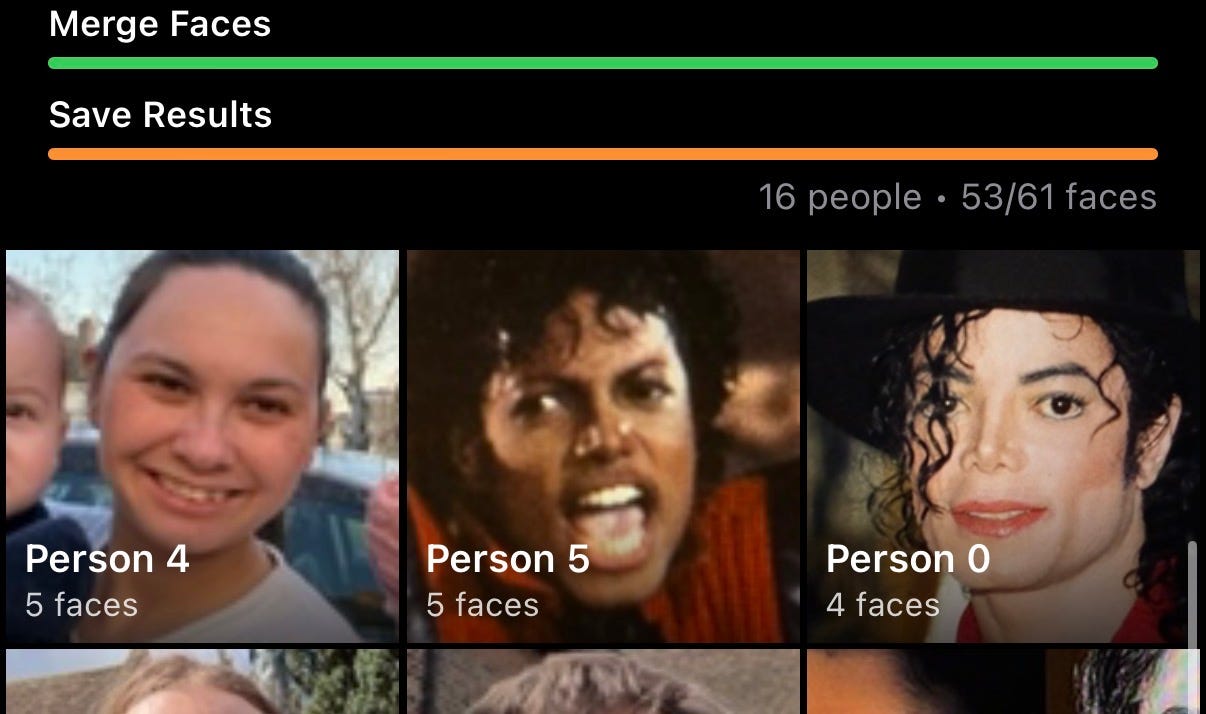
If you’re a paid subscriber, now we get to the really fun bit:
Computing embedding vectors from our faces
Placing these on a 512-dimensional hypersphere,
Running clustering algorithms to group faces accurately
Paid members also get:
⚓️ Access my full library of 50 paywalled articles (including this one)
🚀 Read free articles a month before anyone else
🧵 Master concurrency with my full course and advanced training
🧑🚀 Get a free copy of my new eBook, “Land your iOS Tech Job”
❤️🩹 Support independent, sometimes funny, tech writing
