


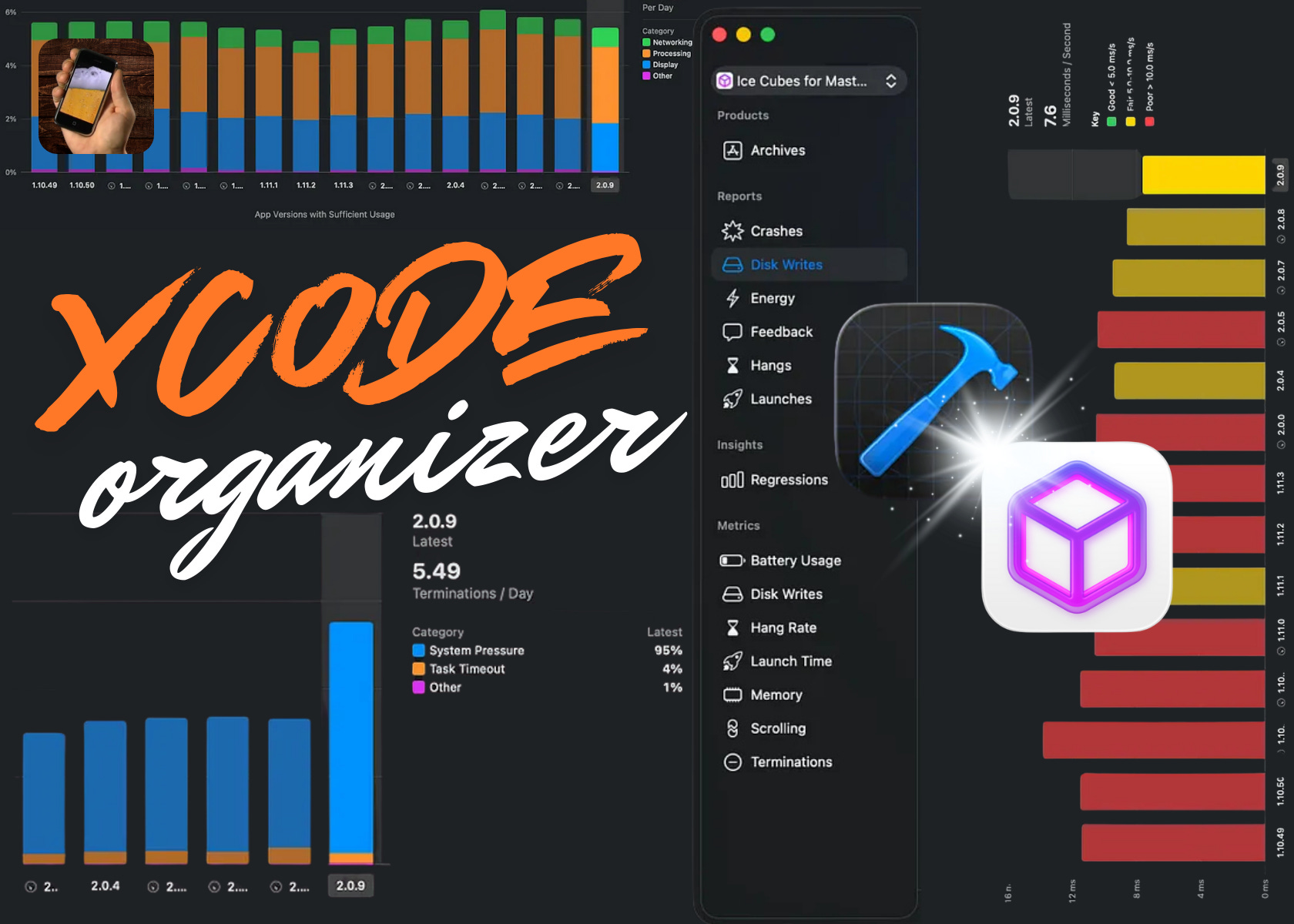
I love working on app performance.
It just sounds cool. Performance. Performance.
While the bozos on feature teams are busy building stuff that actually brings in paying customers, platform engineers can feel smugly superior, typing away from our windowless basements, reducing launch time by 0.01 seconds. For everyone!
Unfortunately, if you don’t have a full-time platform team, “performance work” is generally treated the same as “tech debt tickets”.
Despite what app release notes will have you believe, no one’s going to give us time to work on performance optimisations, because a lot of the time it’s invisible. Everyone agrees that high performance is desirable, but it’s virtually impossible to quantify the impact of marginal improvements.
So how does this ever get done? And how do we stay on top of it?
There is a way. And if you can master the technique, it’s also a pretty good way to get promoted.
Be the dev that keeps a close eye on the Xcode Organizer.
There’s nothing better for your promo packet (and, for my indie readers, your own customers) than identifying low-hanging fruit, recent regressions, or serious performance bottlenecks; crafting a proposal to solve them; and allotting engineering time to solve it.
This is not theoretical; this is pretty much my standard playbook.
I’ll keep a watchful eye on the Xcode Organizer. I’ll flag to Product or Engineering leadership whenever I spot an opportunity to improve something that users will actually notice: Launch time, scroll hitches, terminations, battery usage, storage usage. All these issues often have fairly trivial root causes, and offer an outsized user impact once you solve them.
Xcode Organizer is easily where 80% of my performance optimisation work originates. If you’re on top of it, you can usually pre-empt user complaints.
Sponsored Link
Substack, which powers my newsletter, is hiring iOS engineers!
The team is small, close-knit, and provides ample opportunities for mentorship, growth, ownership, and autonomy. You can apply for either the growth team or the enterprise team. Check out their jobs page for the full list of technical and non-technical openings.
The Xcode Organizer
We can find the Organizer in Xcode’s Window menu.
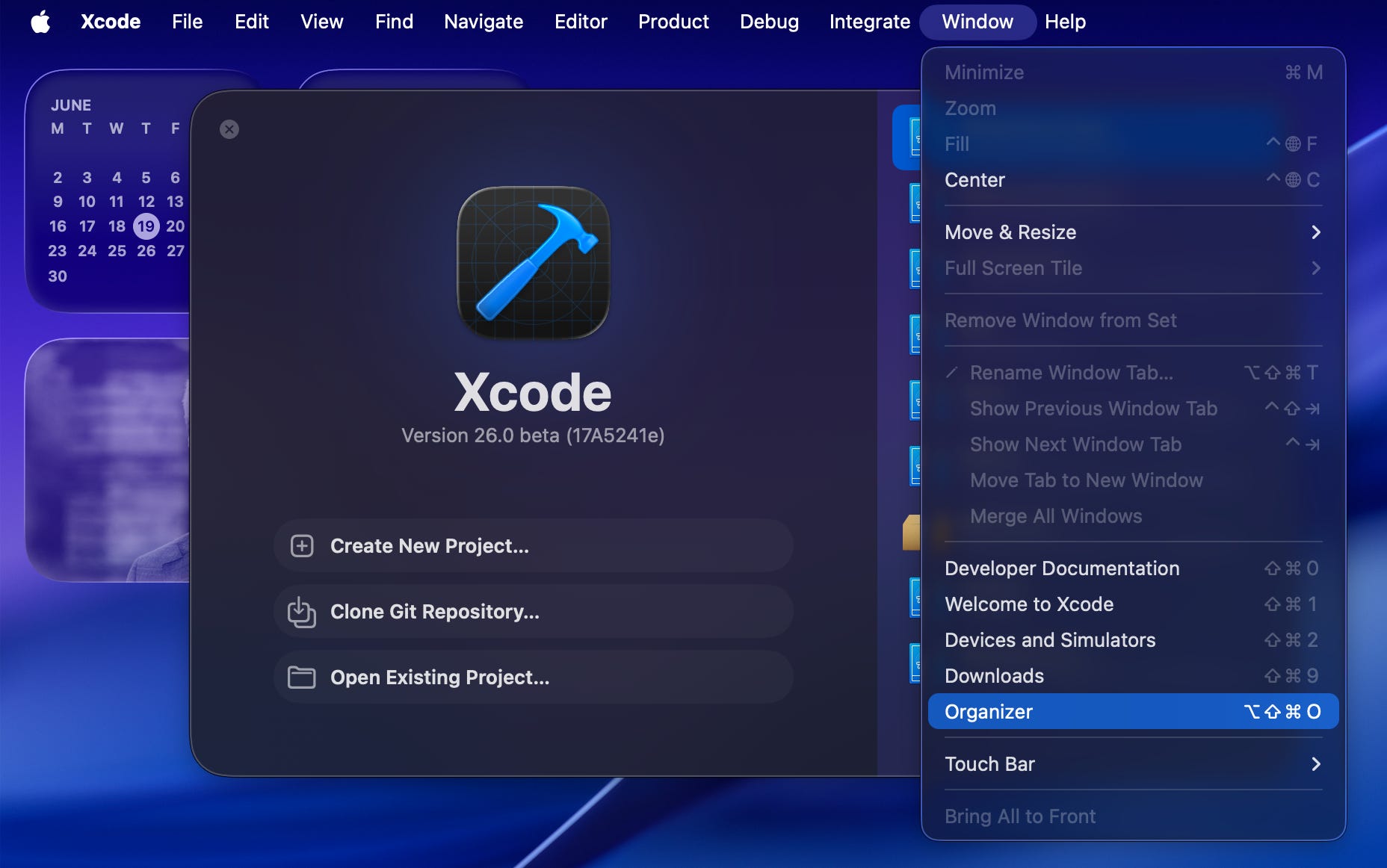
Even if you’ve never touched the performance charts, you’re likely already acquainted with the Organizer, since it’s where all your Archives live.
If you’ve been in the indie game for a while, you’ll also experience a nostalgia tour of everything you’ve ever submitted to the App Store.
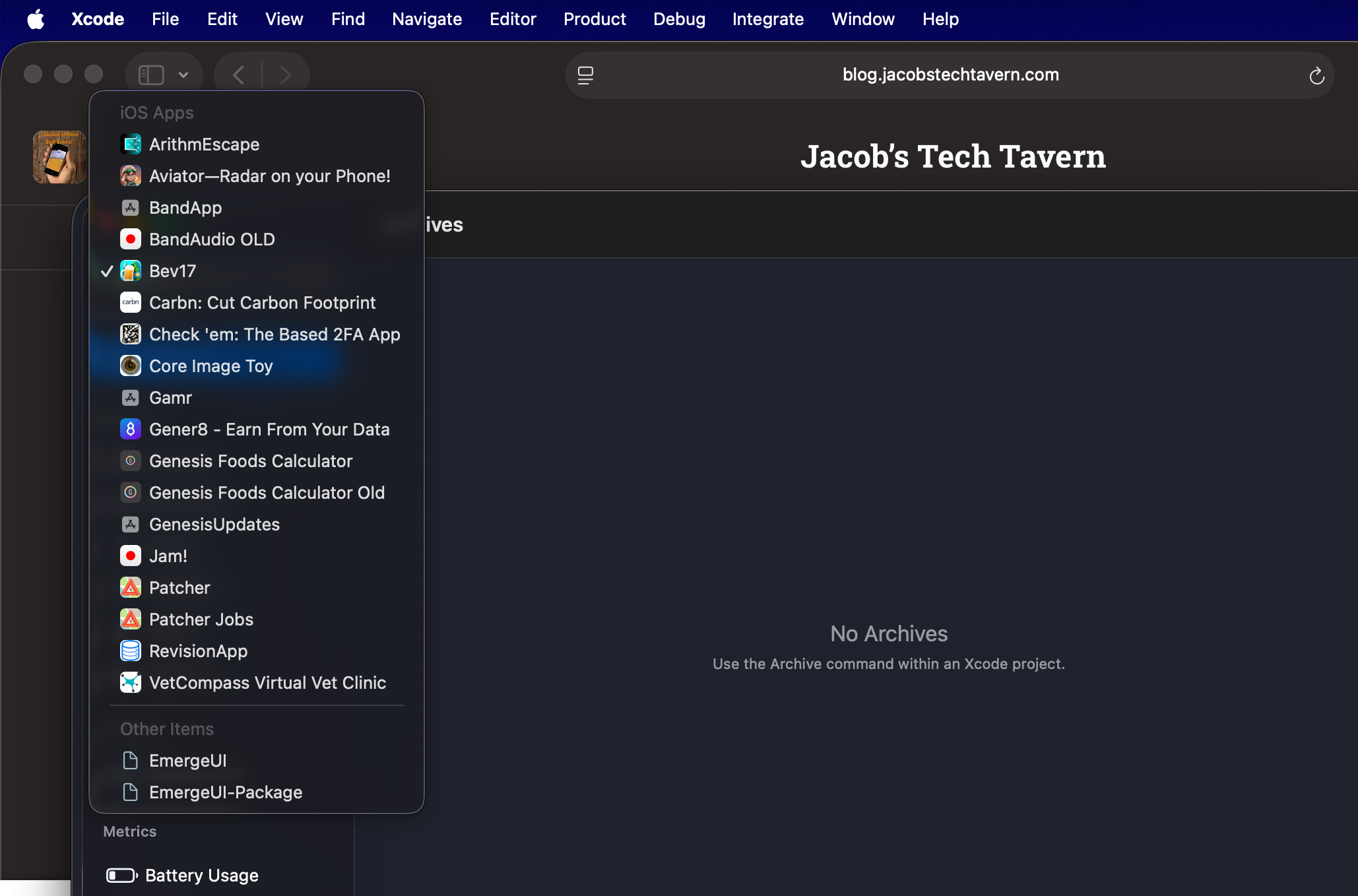
Oh dear.
I just realised; none of my apps have enough users to actually display any data here.
Stand by.
☎️ Thomas, help me out please! 📡
Famous Twitter personality and iOS engineer Thomas Ricouard generously took the time to share the performance stats of his indie app, Ice Cubes for Mastodon. Please show your appreciation by downloading it, either if you’re a Fediverse fanatic or even if you’re merely toot-curious.
Thomas also posted a really good piece recently on The State of Agentic iOS Engineering in 2026, which I massively recommend both if you’re new to agentic engineering or you’re already a Claudepilled Codex-cel.
You can get very specific when you look through the organizer. You can slice most of the reports by time, by device, and by version.
There are usually tons of low-hanging performance optimisation fruit at the top level, but if you have enough users, you can often spot OS-version, device, or version corner cases by narrowing things down.
Many performance attributes in the Organizer have both metrics and reports to investigate. Metrics are aggregated numbers sliced across all your users and versions, and reports surface individual code-level issues.
I think of the Xcode Organizer like the top of the performance funnel. You get fully aggregated metrics across your whole user-base. When you spot a problem, you can often go deeper with Instruments. Once you identify the bottleneck, you can then solve it in code and verify the improvement.
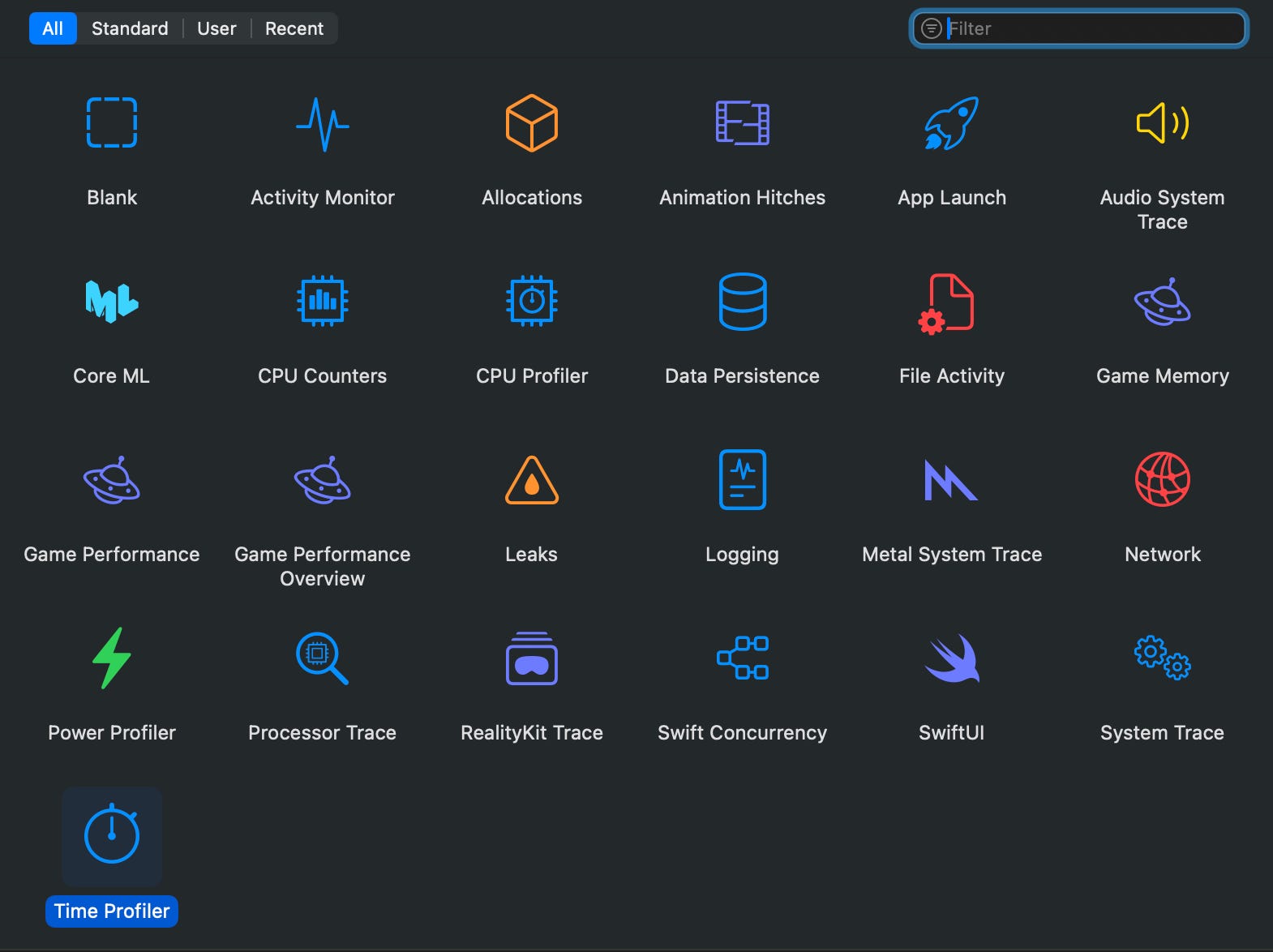
Now let’s look at how to apply each report in the Organizer to optimise your app’s performance today (and make you look like a hero in the process!).
Upgrade to unlock this article, plus much more:
🌟 Access Elite Hacks, my exclusive advanced content
🚀 Read my free articles a month before anyone else
🧵 Master concurrency with my full course and advanced training
