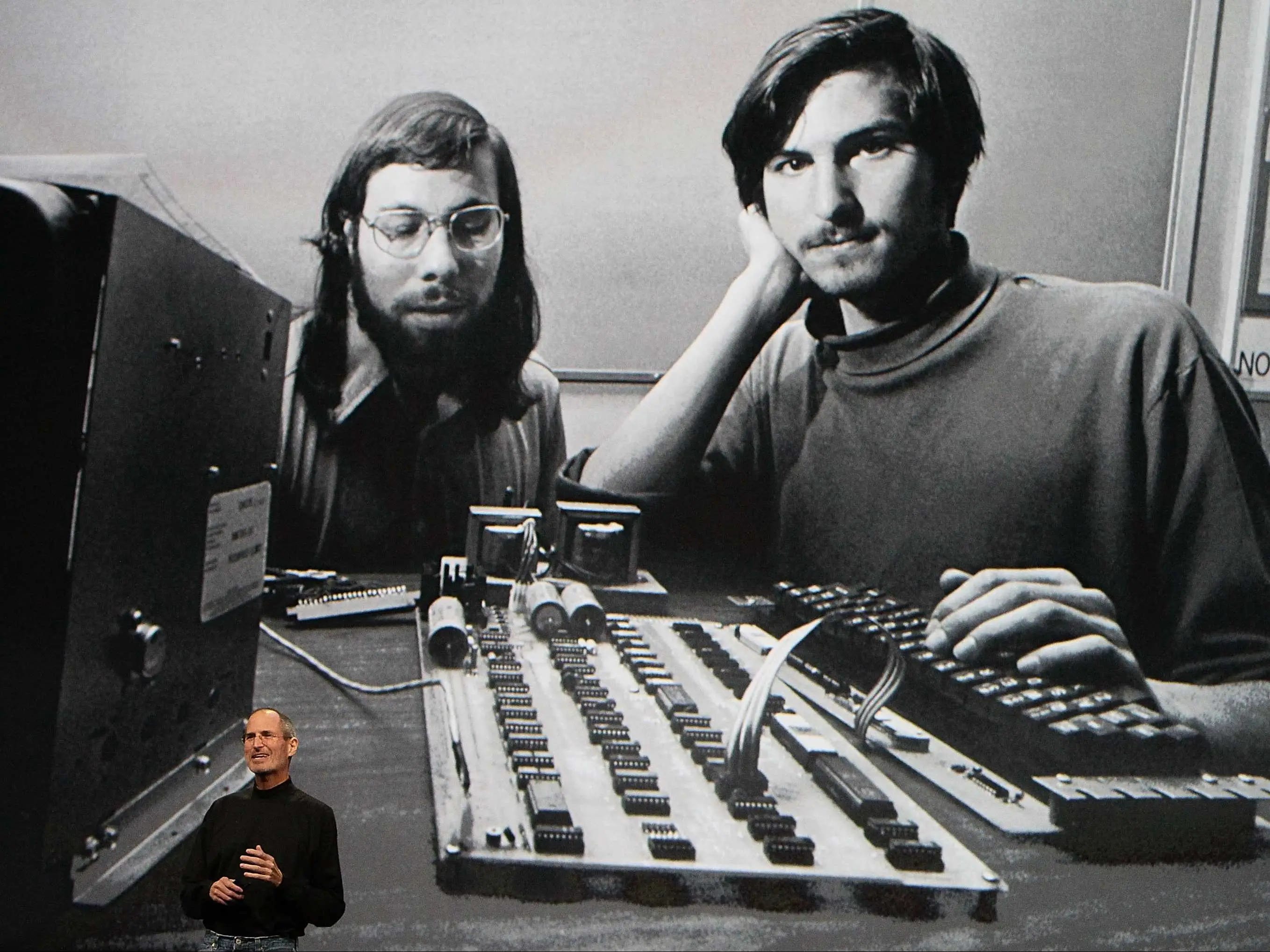
You can’t understand macOS, and by extension, Apple, without understanding the decade-long side quest taken by Steve Jobs after getting unceremoniously sacked in 1985, when he founded NeXT.
In 1997, NeXT was acquired for $429m, arguably the greatest acquisition of all time, technologically turning around the ailing Apple, and creating a direct path to their subsequent $5T of market capitalisation.
This laid the foundations, literally, of the technology that powers your Mac to this day. We’re going through the operating system architecture of macOS. Featuring…
A short history lesson
A quick overview of your hardware and the kernel
The fractal layers of frameworks that make macOS… macOS
One downside of agentic engineering: between multiple checkouts, simulators, and tons of verification artefacts, I am constantly battling my macOS storage limits.
CleanMyMac scans my drive to help me figure out where this cruft is piling up and reclaim my storage space. It’s on sale now: 30% off until 30 November.
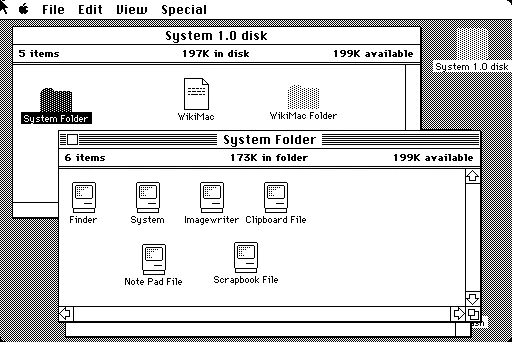
The original Macintosh, released in 1984, created a new standard for operating systems by popularising concepts ubiquitous today, such as a mouse-driven GUI, a desktop, consistent menus across apps, and even copy-pasting between apps.
Over time, the system developed more advanced features. Its chip architecture migrated from Motorola 68k to PowerPC. But as computers and applications got more powerful, the operating system somehow sucked more and more.
With System 7, virtual memory and cooperative multitasking became standard across the OS, but relied on apps taking turns: any app could freeze your desktop by refusing to yield its CPU thread.
Mac OS 8 failed to introduce any memory protection between apps, making corruption rampant. Mac OS 9 introduced multiple user accounts but didn’t even maintain proper isolation between them.
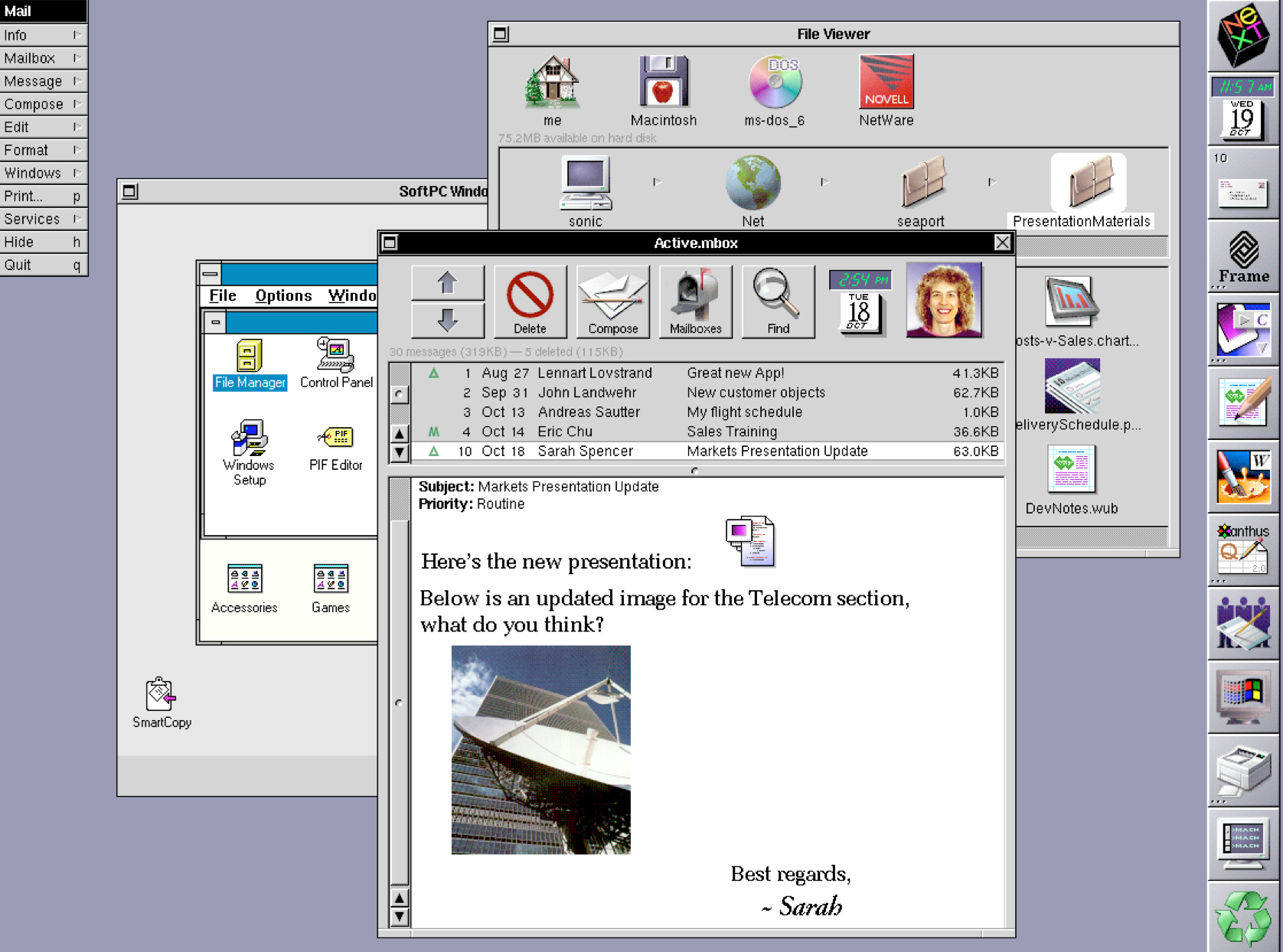
Meanwhile, NeXT had been cooking. For their NeXTSTEP operating system, they cobbled together a kernel, pulling in several oven-ready pre-existing subsystems like Mach and BSD Unix (more on this later).
They introduced Application Kit (sound familiar?) that supplied reusable components like windows, buttons, menus, text, scrolling, and printing. The long road to AppKit and UIKit. These interfaces could be configured in a visual editor, Interface Builder. Additional development frameworks like Sound Kit, Database Kit, Driver Kit, and even 3D Graphics Kit (using Pixar’s tech) were introduced over time.
Display PostScript offered a consistent rendering model between print documents and what you saw on-screen (literally one of the most important jobs for a computer in the 80s and 90s). All this was built on Objective-C, a dynamic object-oriented language that felt powerful to work with compared to old-fashioned procedural languages.
Apple, the hardware maker with crappy software, naturally decided that NeXT, the struggling business with great software, would be a great fit. Steve Jobs thought so too, so he jumped back onboard and promptly performed a coup, packing the entire leadership team with his ride-or-die NeXT allies.
So began a gruelling 4-year rewrite that mostly consisted of taking the existing Mac OS, dragging it into the Trash, and creating Carbon, a backward compatibility layer for the existing dev ecosystem that ported Mac APIs to the superior NeXT operating system foundation. It was not a complete mogging, as the NeXT team kept a few choice pieces of Mac OS like the file system or QuickTime.
The Mach and BSD-based kernel allowed the OS to control scheduling and protect the memory of each process, architecturally negating the core issues that developers were finding with the Mac’s OS. This kernel grew into Darwin. Application Kit became Cocoa. The new UI language became Aqua. These might start ringing a bell. OS X (OS “Ten”) shipped in 2001.
Hardware and The Kernel
When you’re early in your development career, you might feel like databases, packet switchers, and operating systems are an ontologically different “kind” of thing to software like websites and apps.
Getting older means realising that no, Santa isn’t the one eating the cookie and drinking the milk, Rudolph didn’t take a massive bite out of that raw carrot (commit, dads), and databases, packet switchers, and operating systems are just software.
Eventually, though, this software has to touch some hardware. That’s kind of the whole point of a computer. The kernel is this touch-point.
An “operating system” is a piece of software that manages hardware and software resources on a computer, and also provides common services for computer programs. These two domains are called the kernel and user space(a.k.a. userland).
My favourite way to explain a kernel is that it creates and manages abstractions on top of hardware. This isn’t a multi-core CPU, it’s threads. This isn’t a stick of RAM, it’s an address space. This isn’t an SSD, it’s the file system.
The kernel sits under everything on macOS. Here’s a sneak peek at the full OS X architecture (from 2001).
In OS X, the kernel has a “hybrid architecture” mostly inherited from NeXT. The core systems are Mach, BSD, and I/OKit. Together they form xnu (“x is not UNIX”).
Mach performs the basic hardware resource management, providing the illusion that our computer hardware is actually a set of software objects. There’s really a very small set of these:
Threads
Address space
Memory objects
Time
Ports (secure communication channels)
Tasks (an address space + a port + one or more threads)
IPC (inter-process communication)
This IPC provides a messaging infrastructure that allows tasks to communicate, and ultimately allows other OS layers to communicate.
Mach was the key component that elevated OS X over the struggling “classic” Mac OS 9: Classic’s responsiveness was compromised any time a program failed to cooperate with multitasking. It also gave applications free rein over accessing and writing to memory, risking crashes and memory corruption.
The Mach kernel, in contrast, enforced cooperation via pre-emptive multitasking, meaning it schedules threads to share time on the CPU rather than trusting developers. The long road to App Review. Processes (and the system itself) were also kept safely isolated from each other, assigned their own memory address space, and refused unauthorised access to anything outside their assigned space.
In short, System 7 more or less hit the limits of the Wozniak culture of hippy-dippy free love hacker hobbyists (cooperative multitasking), whereas NeXTSTEP truly unleashed Jobs’ iron fist.
The second half of this article is exclusive to paid subscribers, who learn all about the rest of the kernel, daemons, operating system services, and the 40-years-deep stack of frameworks that make the macOS you know and love today.
I’m also running my biggest ever offer for Black Friday, 30% off your subscription, forever!